What a Polyester Print Printer Does in Daily Production
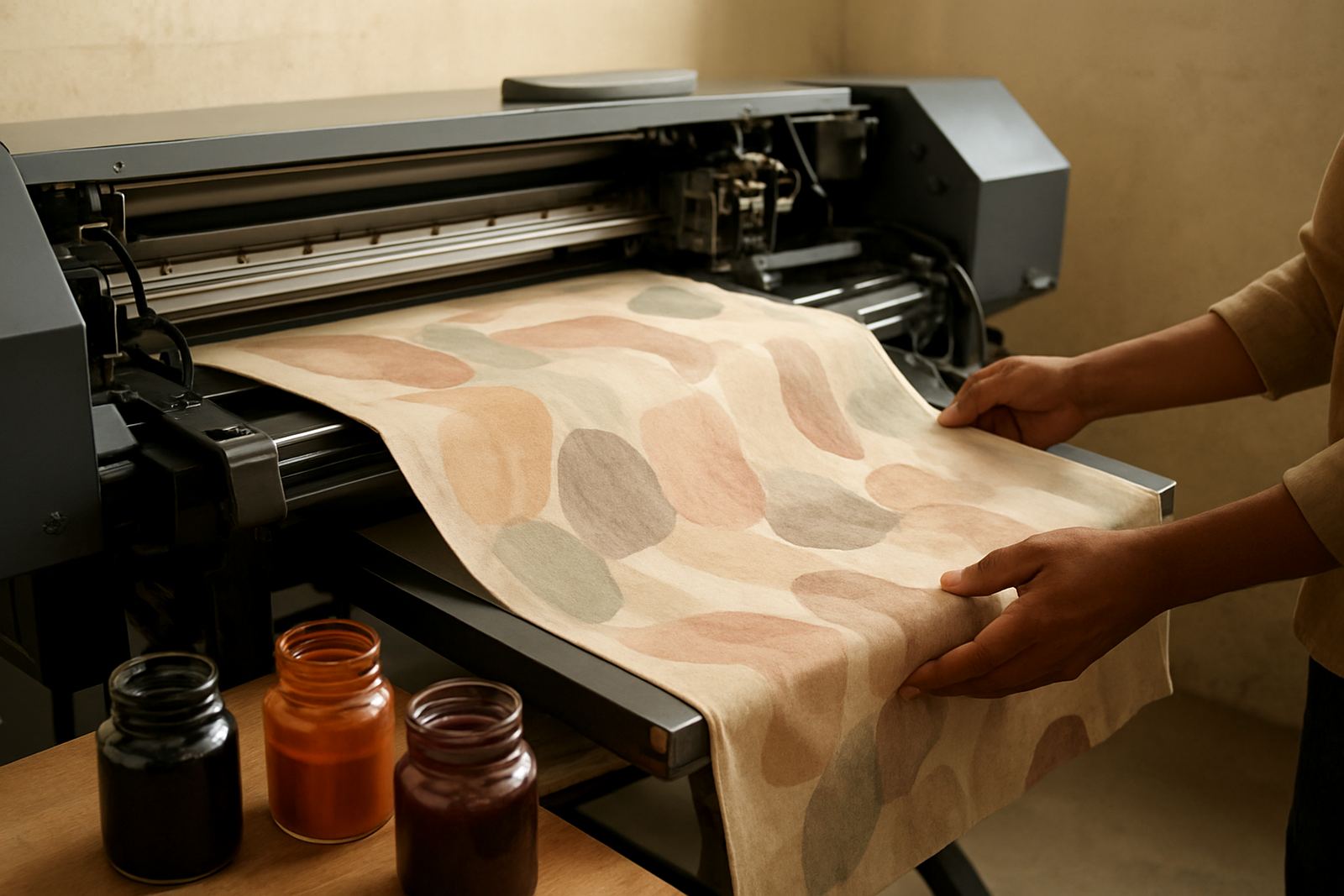
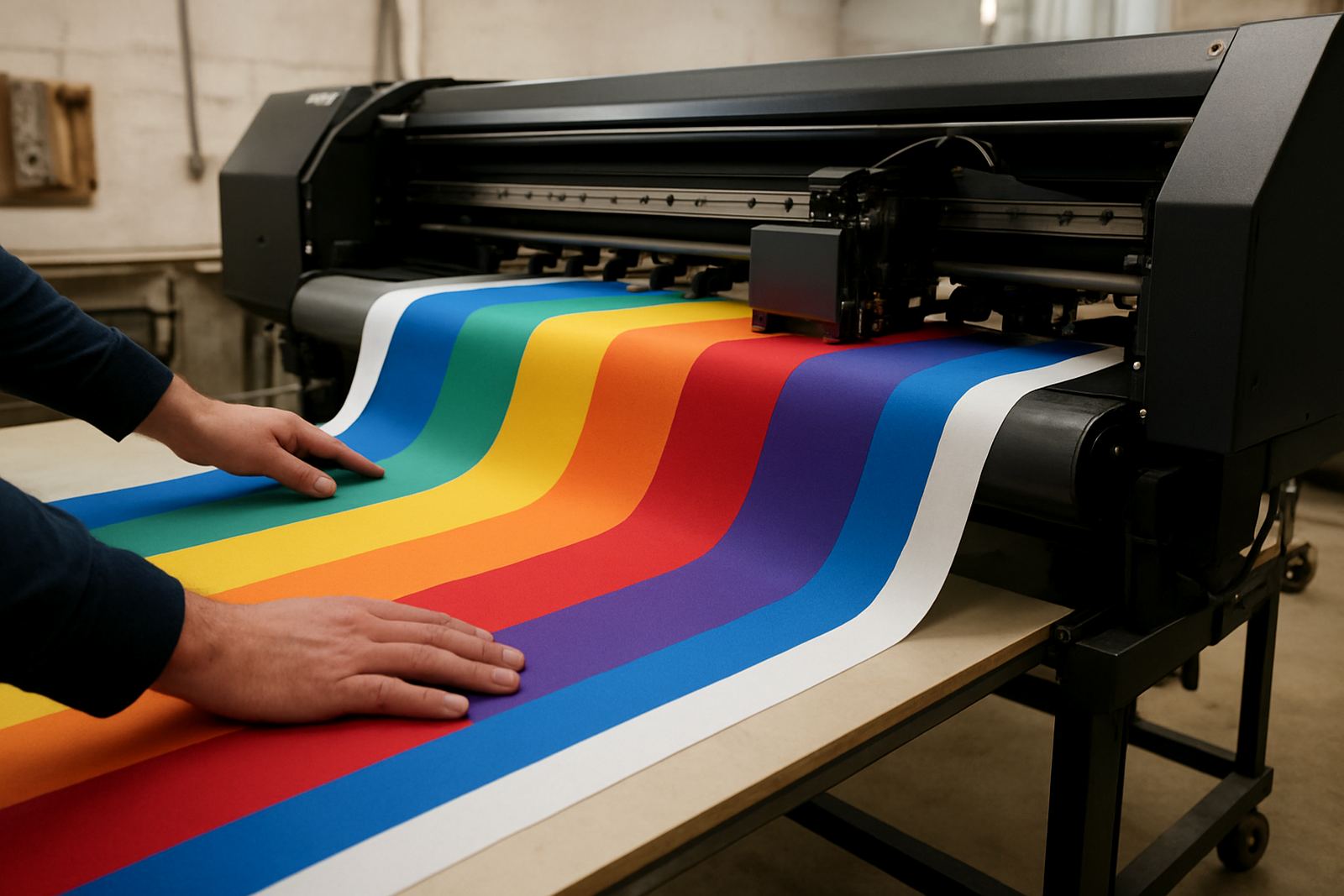
This machine is set up for direct printing on polyester-based fabrics, giving you a practical way to produce short runs and repeat orders without sending work out. It is used for items such as teamwear, sports shirts, light banners, branded backdrops and polyester display fabric where bright colour and fine detail are important.
The printer uses textile ink delivery and controlled print heads to place ink evenly on the fabric surface. That matters on polyester because the fabric can stretch and move during feed, so the machine needs steady tension control and a clean path. For a shop in Wadeville, Boksburg or Midrand, it gives you a production option that can handle frequent orders without a lot of handling between steps.
For businesses working with municipal tenders, school kit or clubwear, the main advantage is consistency. Once the media profile and curing settings are correct, the same artwork can be run again with very little variation from batch to batch.
Sizes, Configurations and Print Output
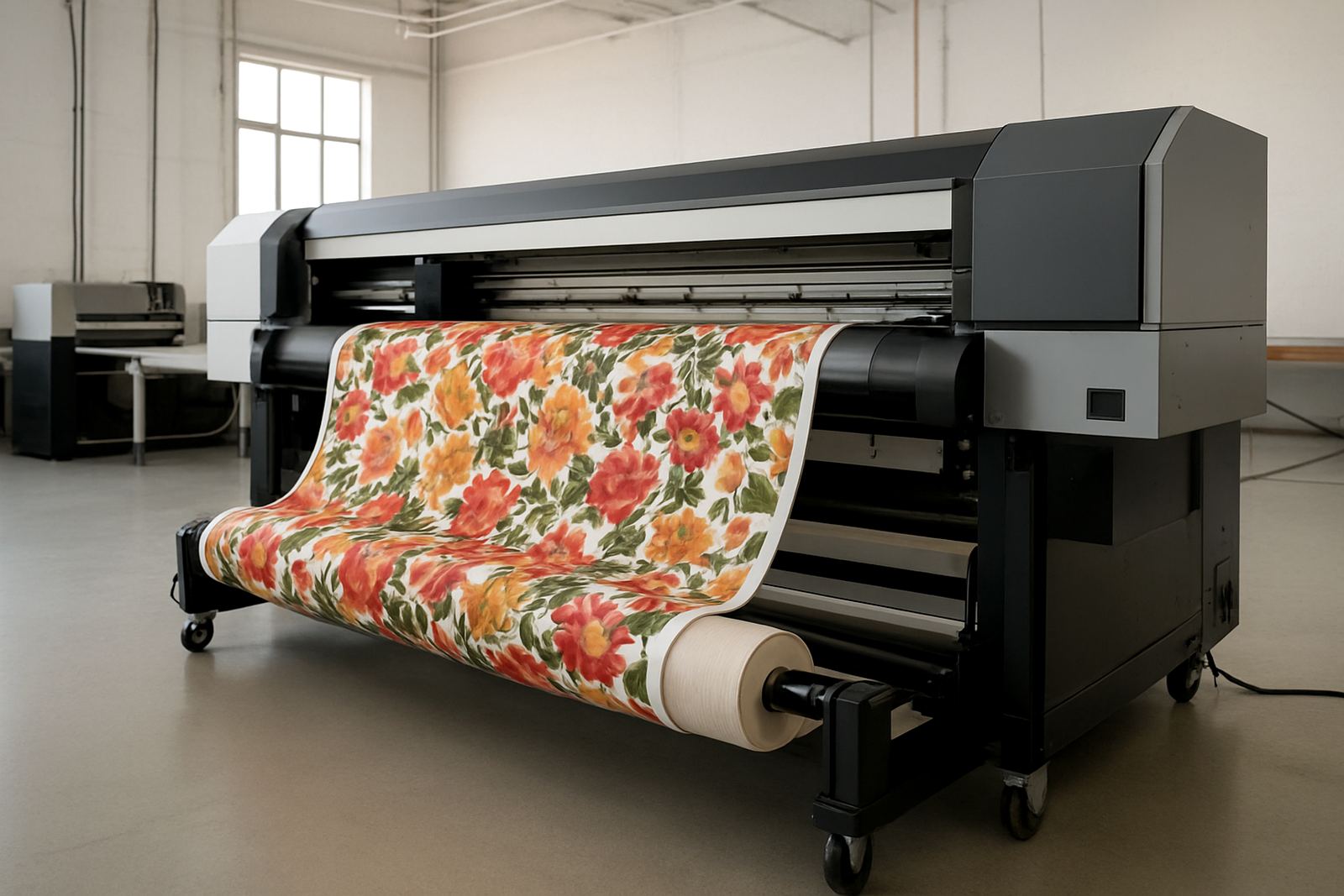
Polyester print printers are typically supplied in widths from 1.6 metres to 3.2 metres, depending on the fabric widths you handle and the floor space you have. Smaller units suit start-up garment rooms and compact print areas, while wider units are better for display work, bulk panels and larger textile runs.
Common options include single-roll feed, take-up rollers for continuous output and heated drying sections. Some setups are configured for indoor display work, while others are aimed more at garment panels and cut-and-sew production. If you print for Durban or Cape Town clients, a machine with reliable media control is useful because coastal humidity can affect fabric handling and drying consistency.
- Print widths: 1.6 m, 1.8 m, 2.2 m, 3.2 m
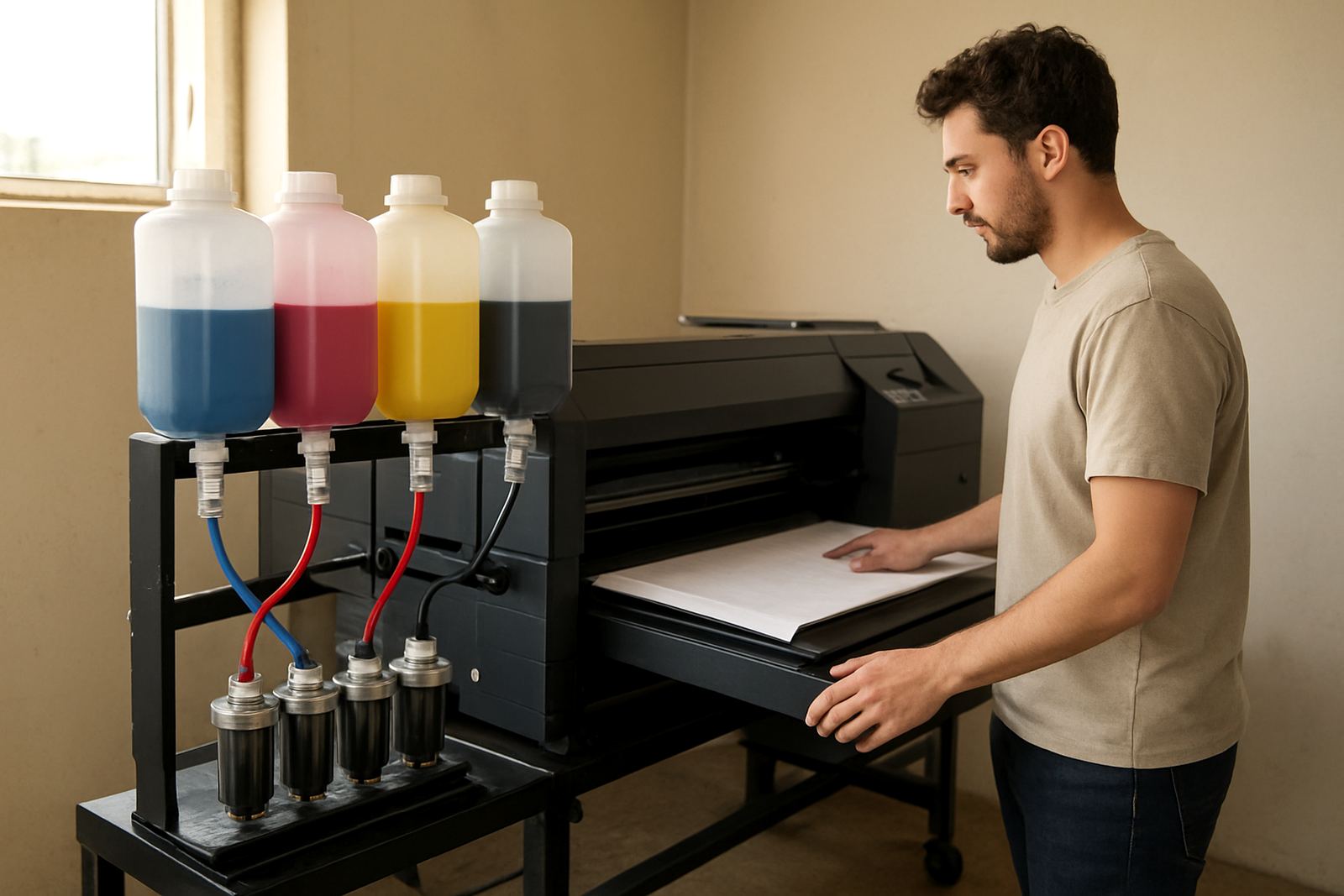
- Ink set options: 4 colour or 6 colour configuration
- Media: polyester fabrics, coated display textiles and light stretch fabric
- Output use: uniforms, activewear, flags, backdrops and promotional textile work
Resolution and speed depend on the exact configuration, but most production users want a balance between high detail and practical throughput. If you are running more than one shift, ask for a setup that matches your daily square metre target rather than only chasing maximum speed.
Where This Printer Suits Your Work
This type of printer suits small garment businesses, textile decorators and shops that want to bring more of their printing in house. It is often chosen by owners making sportswear, staff uniforms, school garments, event flags and display fabric for retail or expos. For businesses in Johannesburg, Pretoria, Durban, Cape Town and Bloemfontein, it can cut lead times and help you avoid delays from outside suppliers.
It also suits makers who need repeat colour accuracy for brand work. If a customer brings the same logo every month, you want a setup that can hold the same tone and print density. That is especially useful for corporate clothing, factory uniforms and local events where the finish needs to look tidy and professional.
- Best for short to medium production runs
- Useful when you need custom sizes and fast turnarounds
- Suitable for workshops with controlled drying space
- Ideal for businesses that print on demand and by order
It is less suitable if your work is mainly natural fibre fabrics or heavy cotton goods. Polyester performs best when the machine, ink and heat settings are matched properly, otherwise the print may look dull or ghosting can appear on movement. That is why setup and operator training matter from day one.
Installation, Power and Workplace Requirements
A polyester print printer needs a level floor, enough room for loading and unloading rolls, and a clean area with limited dust. In a workshop in Germiston or Boksburg, we normally plan for clear access around the machine so operators can manage fabric, inspect print quality and service the unit without squeezing past stock.
Most production units need stable single phase or three phase power depending on size and heating demand. As a guide, smaller systems may run on a standard 220V supply, while larger heated setups can require 380V three phase. Because load-shedding still affects production planning, many businesses also add backup power for control systems and drying equipment. If you are ordering for a site with power fluctuations, confirm the actual load before installation.
Ventilation is also important. Heat presses and drying sections can raise room temperature, so fresh air flow helps with operator comfort and ink performance. You should also allow space for ink storage, cleaning consumables and finished rolls. If the site is near the coast, keep inks and fabric sealed when not in use to limit moisture issues.
Care, Servicing and Daily Checks
Good care starts with simple daily checks. Wipe the print area clean, confirm there is no lint on the fabric path and check the ink levels before starting a long run. On high use machines, printhead cleaning and nozzle checks should be part of the normal routine, not something done only after a fault appears.
Preventive servicing helps protect the printheads, pumps and ink system. That includes ink system flushing when changing materials or if the machine stands idle, plus periodic inspection of rollers, belts and sensors. For shops doing regular orders, a maintenance contract can reduce downtime and help you plan around busy periods better.
- Daily nozzle checks before production
- Keep the room free of dust, loose threads and paper scrap
- Use the correct ink for the fabric and curing method
- Do not leave open ink containers near heat or direct sun
- Schedule servicing before peak season, not after a breakdown
If a print starts banding, losing colour or showing uneven feed, stop the job and check alignment and head condition straight away. Running through a fault usually wastes fabric and ink, which is more costly than a quick inspection.
What to Confirm Before You Place an Order
Before ordering, confirm the fabric types you print most often, the roll widths you need, your monthly output and the space available for installation. You should also check whether you need a printer only, or a complete setup with heat pressing and setup training. For some workshops, the better choice is to start with one production machine and add a second unit later once orders grow.
It helps to know if your work includes uniforms, activewear or display graphics, because that affects the ink set, drying method and finishing workflow. Ask about spare parts availability, remote troubleshooting and local support, since any downtime can affect delivery dates. If you already run another textile process, tell the supplier about that too, as it may change how the machine is installed and commissioned.
Our team supports businesses from the Germiston Demo Centre and the Johannesburg, Pretoria, Durban, Cape Town and Bloemfontein support areas. You can reach us through the enquiry form on the contact page for machine installation, operator training, colour profiling, preventive servicing, breakdown repairs and relocation support.
Key facts
| Print width options | 1.6 m, 1.8 m, 2.2 m or 3.2 m |
|---|---|
| Ink configuration | 4 colour or 6 colour textile ink set |
| Media type | Polyester fabric and compatible display textiles |
| Power supply | 220V single phase or 380V three phase depending on size |
| Typical use | Uniforms, activewear, flags, backdrops and promotional textiles |
| Support | Installation, training, servicing, repairs and colour profiling |