
When slower output starts costing real money
The first warning sign is usually time. If one order now takes all day when it used to take half a day, your setup may be too slow for the work you are winning. That becomes a real problem when you have repeat retail orders, schoolwear runs or small fashion drops that must leave the floor on time.
In many small garment businesses around Germiston, Boksburg and Midrand, the issue is not lack of work it is that the printer cannot keep up with the pace of the workshop. When staff wait for prints, heat pressing gets delayed, packing gets pushed back and the whole production line loses rhythm.
- Print queues are getting longer week by week
- Jobs are missing promised collection times
- You are turning away orders because turnaround is too tight
- Night shifts or overtime are becoming normal just to finish work
Colour problems that keep coming back
If every batch needs fresh adjustments to match the same shade, that is a sign the current machine may no longer be reliable enough for production. A good textile printer should give you repeatable colour, not a new puzzle every morning. This matters when you are printing brand colours, fashion repeats or matching panels across a garment range.
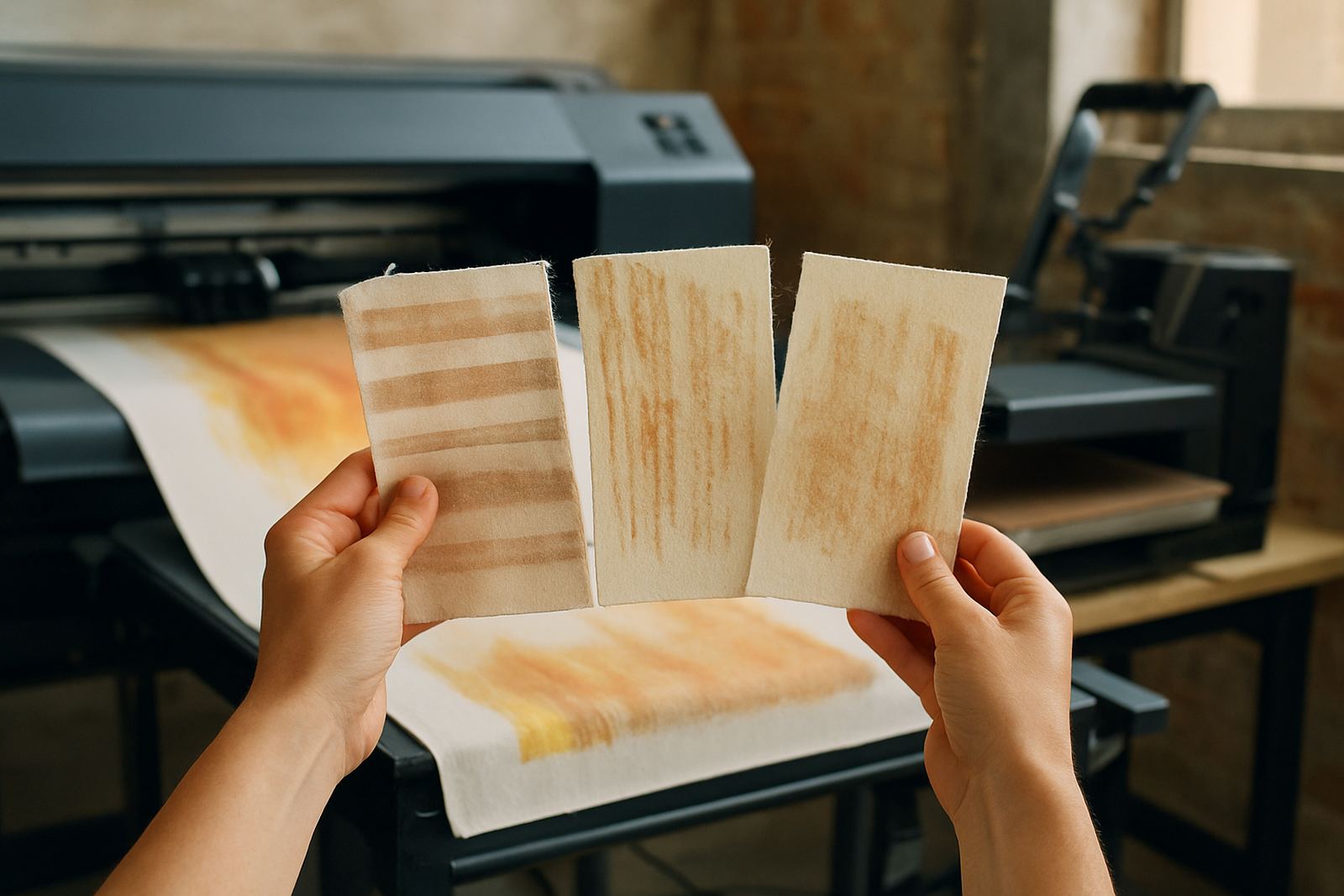
Humidity in coastal areas such as Durban can make ink behaviour more sensitive, while dust and temperature swings in inland workshops can affect heads and media feed. If you are constantly correcting banding, dull prints or colour shift after servicing, the machine may be past the point where maintenance alone will fix it.
- Brand colours do not match from one job to the next
- Light colours look muddy or washed out
- Dark fabric prints lose detail in busy artwork
- You spend too much ink on test runs before every job
Running costs that no longer make sense
Older machines often look cheaper because they are already paid for, but that can hide the real cost. More ink waste, frequent repairs, slower throughput and more staff time all add up. If you are replacing parts too often or the machine needs constant attention, it may be costing more than a newer unit would.
For a small business in Pretoria or Bloemfontein, load-shedding can make this worse. A printer that takes longer to recover after power cuts or has unstable ink delivery during restarts will eat into production hours. If your team is spending too much time flushing lines, cleaning printheads or redoing failed jobs, the numbers deserve a hard look.
- Repair bills are coming in every few months
- Ink use is higher than expected for the volume printed
- Media is wasted because of misfeeds or failed passes
- Downtime is damaging customer trust and repeat business
The point where repairs stop being enough
Some businesses keep patching an old printer because it still turns on, but there is a difference between keeping a machine running and keeping a business productive. If printheads are clogging repeatedly, the ink system needs constant flushing, or the machine is no longer holding settings after cleaning, repairs may only buy short relief.
This is where a proper production audit helps. Look at the age of the machine, the condition of the ink system, the number of breakdowns in the past year and the amount of work lost to stoppages. If the same faults keep returning, you are probably paying for the same problem over and over again.
- Breakdowns are becoming more frequent than planned maintenance
- Parts are hard to source or take too long to arrive
- The printer cannot handle your current order volume
- Operators avoid using certain functions because they are unreliable
When new work needs better equipment
Growth is a good reason to upgrade. If you are moving from occasional custom tees to steady production for boutiques, sports clubs or promotional ranges, your equipment must match that change. A machine that was fine for a few samples each week may not be right once you are printing every day.
Think about the kind of jobs you are taking on now. Are you printing finer detail, larger repeats or a wider mix of fabrics than before? Do you need tighter consistency across multiple garments? If yes, then the upgrade decision is less about replacing an old machine and more about preparing for the next stage of the business.
- You are adding more SKUs and tighter delivery schedules
- Customers now expect cleaner detail and stronger colour
- Your team needs simpler operation and faster changeovers
- The current setup limits what you can confidently quote for
A local example from a busy Gauteng workshop
A small clothing business in Wadeville was printing short runs for local shops and weekend markets. At first the owners thought the old printer only needed another service. But the real issue was that every second order needed rework, and the team was losing hours on colour correction and cleaning. Once they compared repair costs, ink waste and missed deadlines, the decision became easier.
After updating their setup and getting proper operator training, the workshop was able to handle more orders without adding another full shift. The biggest change was not only speed. It was consistency. Jobs came off the printer with less checking, less waste and fewer delays, which made it easier to keep customers happy and protect cash flow.
- Fewer failed prints means less material waste
- Better repeatability makes quoting easier
- More stable output helps with staffing and planning
- Local support matters when you cannot afford long downtime