
Why print faults show up in day-to-day production
When you are running custom garments, a small fault can waste fabric, ink and time. On a busy floor in Wadeville or a home studio in Pretoria, the same issue can look different depending on the day’s workload, the fabric type and even the weather. Coastal humidity in Durban can affect drying, while dust and power interruptions can change how a printer behaves after a restart.
Most common problems are easy to spot once you know what to look for. They usually fall into a few groups: colour shifts, banding, blocked nozzles, poor adhesion, misalignment and heat press issues. The earlier you catch them, the less likely you are to lose a full run.
Colour problems that make a job look wrong
Colour faults are often the first thing a client notices. A logo that should be deep navy can print too purple, while skin tones may come out dull or too warm. This can happen because the artwork file is not set up correctly, the profile is wrong for the fabric, or the ink has been sitting too long in the line.
Another common cause is rushing a changeover between fabrics. A cotton blend does not behave like polyester, and a file that looked fine on one roll may need adjustment on another. In Johannesburg and Cape Town support calls, we often find that the machine is fine but the settings were copied from a previous job that used a different base cloth.
- Check the file mode and resolution before printing
- Confirm the correct fabric profile is loaded
- Test a small sample before full production
- Watch for mixed ink batches or expired stock
Banding, streaks and missing lines on the print
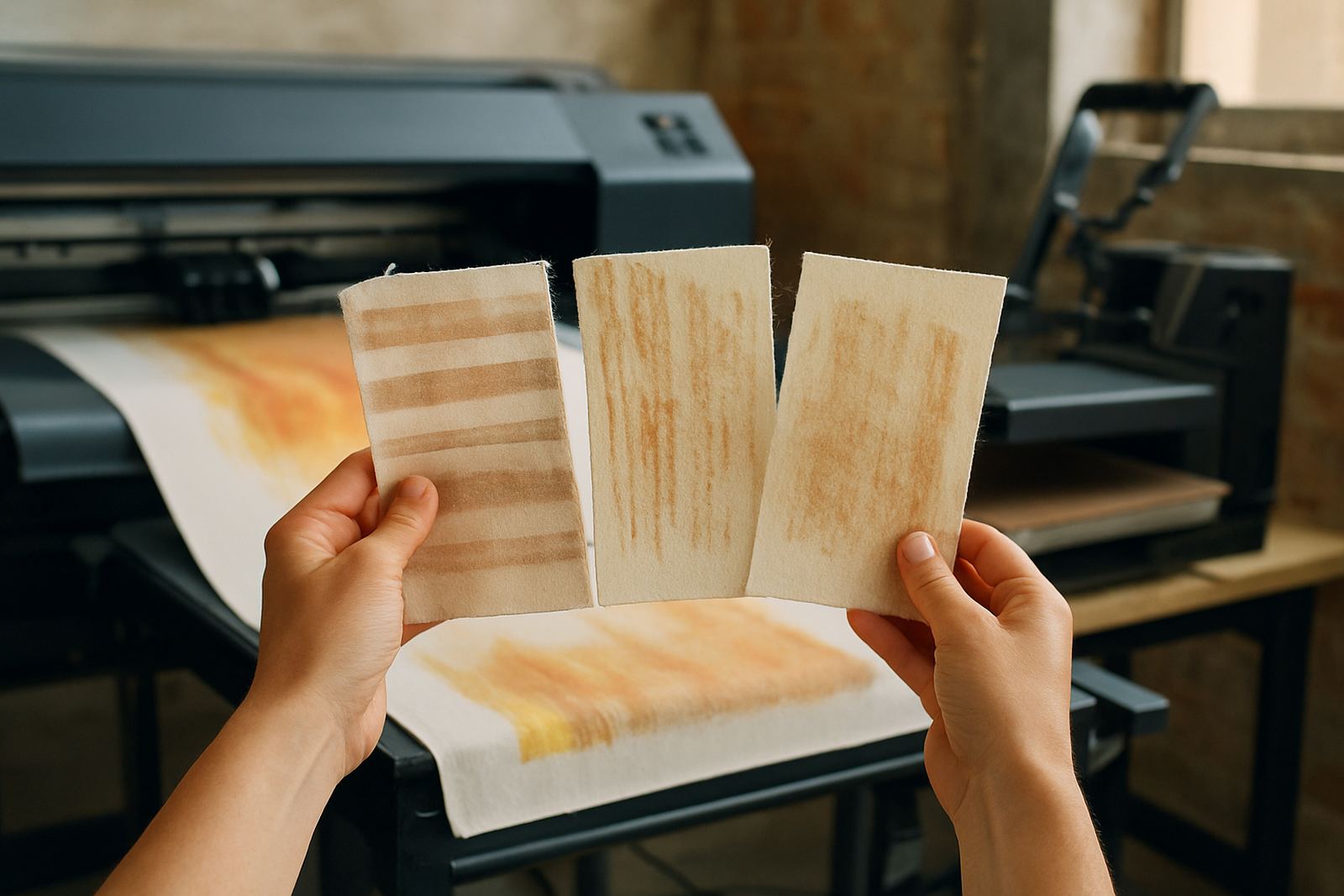
Banding usually appears as light or dark lines across the print. Streaks may show where one or more nozzles are blocked, or where the carriage is not laying ink evenly. If the issue appears only on one side of the print, the head may need cleaning, alignment or a closer look at the ink supply.
Load-shedding can make this worse. A sudden stop in the middle of a job may leave the printer parked in a poor position, and when power comes back on the ink can settle or dry in the wrong place. If the machine has been standing for a few days, or the room is hot and dry, nozzle issues can show up quickly.
- Run a nozzle check before every production shift
- Keep the printer covered when not in use
- Do not ignore repeated streaks on the same channel
- Check for air in the ink lines after a power cut
Heat press faults that cause lifting, shine or patchy bonding
Many print complaints are blamed on the printer, but the heat press is often part of the problem. If pressure is uneven, temperature is off, or the dwell time is too short, the transfer may lift at the edges or show a shiny patch after pressing. On some garments the print may look fine at first, then crack after a wash because the bond was not formed properly.
For small shops in Germiston, Midrand and Boksburg, the most common issue is inconsistent pressing across the platen. That can happen if the pad is worn, the press is not level, or the operator is guessing the timing instead of using a set process. A digital readout is useful, but it still needs to be checked against an actual test strip now and then.
- Test temperature with a separate probe from time to time
- Keep pressure settings recorded for each fabric type
- Replace worn press pads before they affect output
- Press sample pieces after any machine move or repair
Feeding, alignment and fabric handling mistakes
Fabric that feeds skew, wrinkles or shifts during printing can ruin registration and make repeated patterns look uneven. This is common when rolls are not loaded square, when the edge guide is too loose, or when the fabric has absorbed moisture. In humid areas like Durban, fabric can feel flat to the eye but still move differently on the bed.
If you see the design creeping off centre, check the basics first. Is the media tracking straight. Is the tension even. Has the roll been stored in a clean, dry room. A lot of faults that look technical are actually handling issues, and they can be fixed without replacing parts.
- Store fabric off the floor and away from damp walls
- Let rolls acclimatise before printing after delivery
- Check edge guides before every long run
- Trim frayed edges that can catch during feed
When a fault is maintenance and when it needs a technician
Some faults are part of normal upkeep. A blocked nozzle, a dirty cap station or a little ink mist can often be dealt with through routine cleaning and correct shutdown steps. But if the same issue keeps returning, or the printer starts producing the same fault across different jobs, it usually means something deeper is wrong.
Call for support when the problem affects repeat orders, wastes fabric on more than one run, or keeps coming back after cleaning. That includes frequent head strikes, recurring air in the ink system, unusual noise, error codes after a restart, or colour drift that does not respond to normal calibration. A short service visit is cheaper than losing a week of production.
A practical local example from a busy shop floor
A boutique in Johannesburg might print a run of branded scarves on Monday, then switch to heavier garment stock on Tuesday. If the operator keeps the same settings, the second job may show dull colour and light banding. By the time the client collects, the shop has already used extra media and spent too long trying to fix a problem that started with a simple setup change.
That is why fault finding should be calm and methodical. Check the file, the fabric, the printer, and the press in that order. Small businesses need reliable production more than fancy claims, especially when deadlines are tight and the power may go off just as a batch is ready.