
Start the week with a clean visual inspection
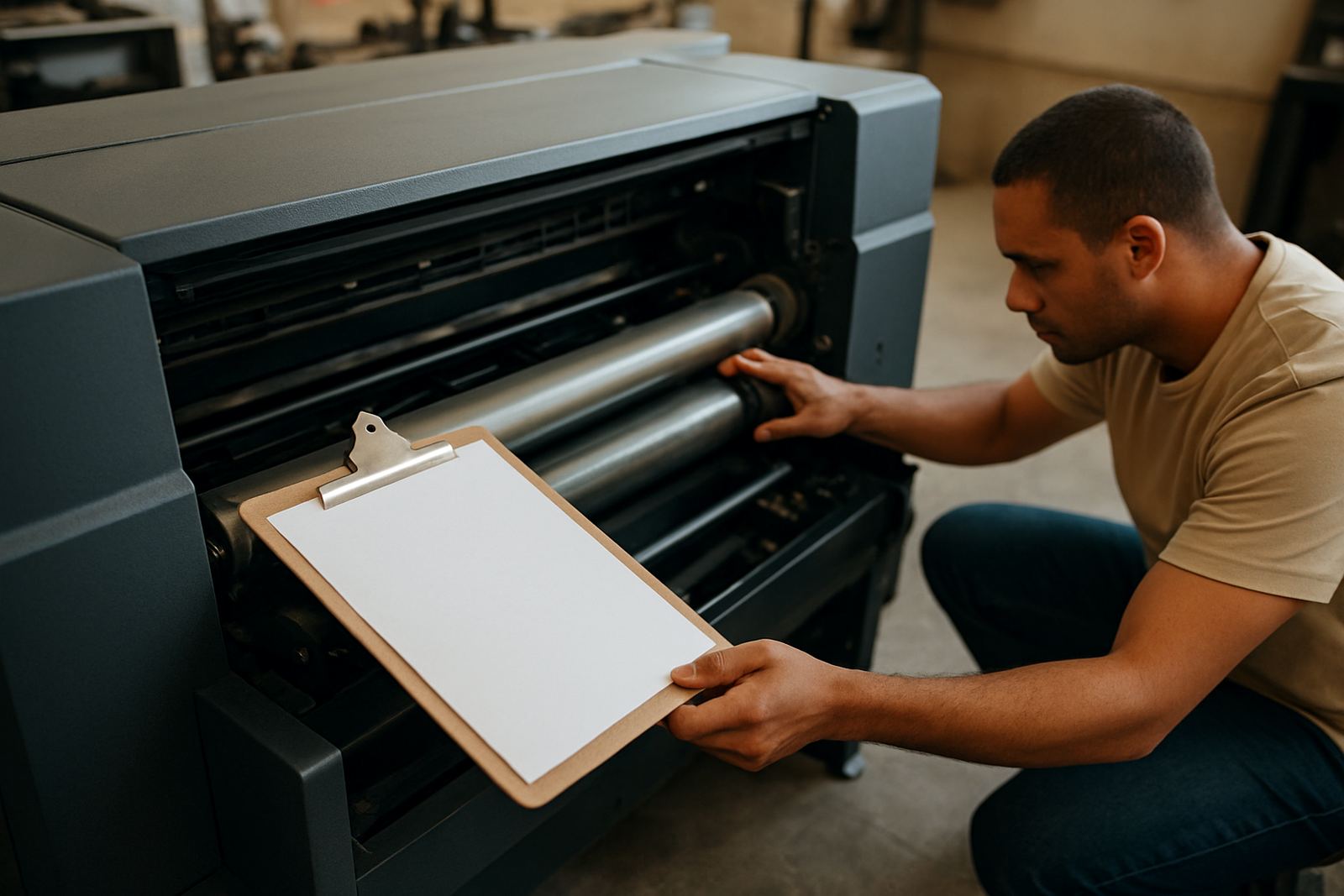
Before the first print run, walk around the machine and look for anything that has shifted, loosened or picked up dust. In workshops from Wadeville to Pretoria, the same small issues keep showing up: a cable pulled too tight, a lint build-up near the carriage path, a wobbly stand, or a heat press mat that is no longer sitting flat. Catching these early helps avoid awkward stops halfway through a job.
Use a torch and check the obvious points first. Make sure the printer is level, the media path is clear and the platen or bed area is free of scraps, thread bits and dried ink. If the workshop had load-shedding over the weekend, confirm the unit restarted properly and that there are no fault lights, beeps or unusual noises on power-up. A short check now is better than a full strip-down later.
- Wipe off dust and lint from external covers and vents
- Check power cables, data cables and air lines for damage
- Look for loose screws, panels or brackets
- Confirm the unit sits level on the floor or stand
Keep the ink system moving and clean
Ink systems do not like standing idle for too long, especially in colder inland mornings or in humid coastal rooms where moisture can affect performance. A weekly routine should include checking ink levels, inspecting cartridges or bulk supply lines and confirming that no line has air bubbles, leaks or kinks. If a line has trapped air, the print head can start missing nozzles or laying down uneven colour.
For businesses printing daily in Johannesburg, Durban or Bloemfontein, the goal is steady flow, not emergency recovery. Do not wait for streaks to show before acting. Check the waste area too, since overfilled waste containers or clogged maintenance stations often lead to avoidable downtime. If the printer has a capping station or wiper system, make sure it is clean and seated properly after the weekly run.
- Inspect ink lines for air, leaks or sharp bends
- Check waste ink levels and empty before overflow
- Review nozzle test patterns for missing channels
- Clean visible residue around the maintenance station
Test print quality before orders build up
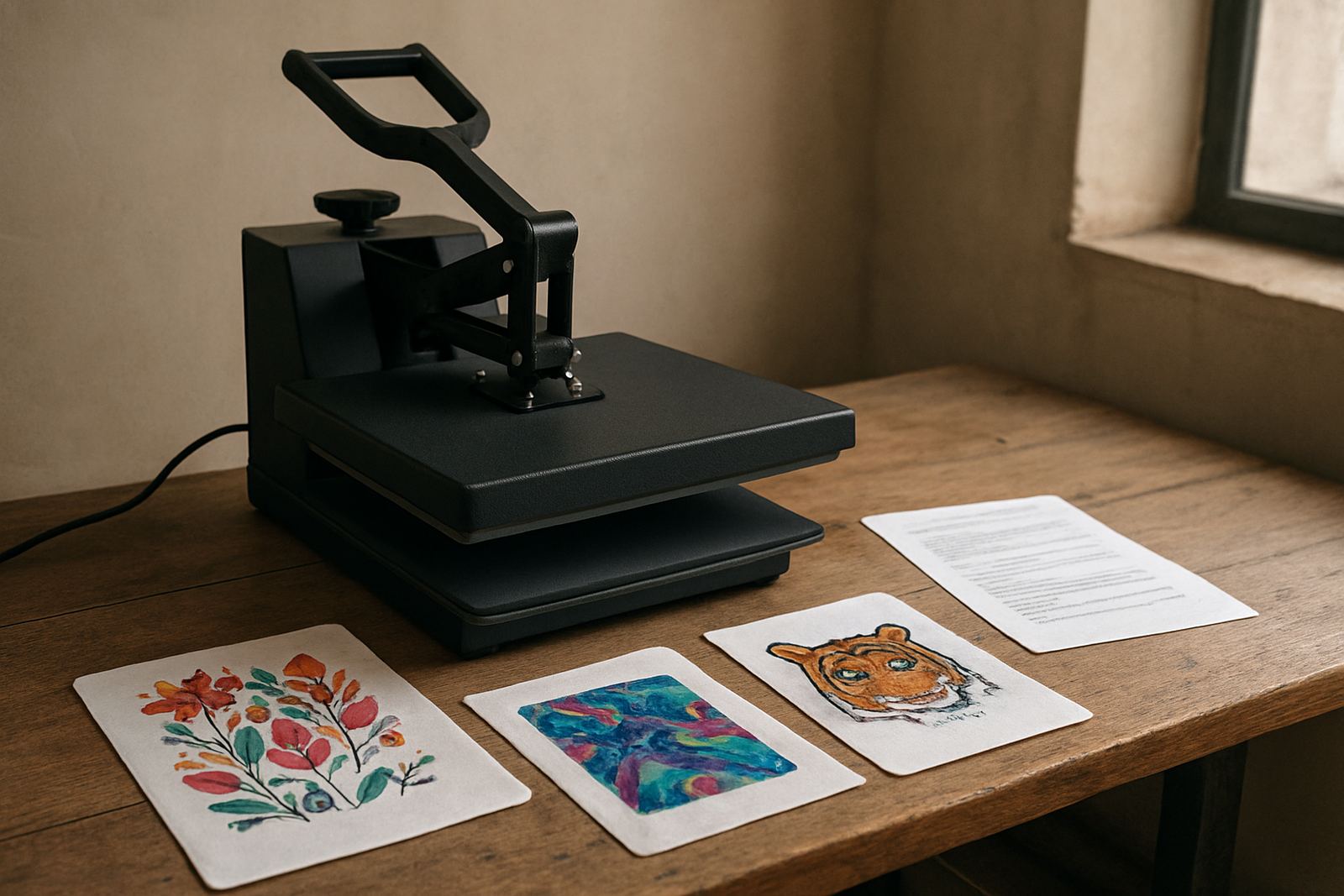
A proper weekly test print is worth more than a quick glance at a sample sheet. Print a small colour chart, fine text and a solid block so you can see whether the machine is holding detail, density and alignment. On garment work, tiny shifts show up fast in outlines, logos and registration marks. If a white underbase is part of the process, check that it is laying evenly without patchiness.
This is also where you catch subtle problems before they become complaints from a client in Midrand or Cape Town. A faint band, slight colour cast or missing corner detail can often be corrected early with cleaning, alignment or profile adjustment. Leave it for a week and you may end up reprinting fabric, wasting ink and losing time on the press.
- Print a nozzle check and a colour test sheet
- Confirm text edges are crisp at small sizes
- Check registration on multi-pass or layered work
- Compare output against a known good sample
Treat the heat press as part of the same system
Many small shops focus on the printer and then forget the press, even though the press can ruin a good print just as quickly. Once a week, check temperature accuracy, timer function, pressure consistency and the condition of the pad or lower plate. If the heat is uneven, transfers may cure badly, colours can shift and adhesive can fail after washing.
In a busy shop, especially where one person handles printing and finishing, a quick press check prevents those last minute panics before collection. Make sure the surface is clean, the handle or closing mechanism moves smoothly and there is no residue from previous jobs. If you work near the coast, watch for light surface rust on exposed parts and keep the unit dry after use.
- Test temperature with a reliable reading method
- Check pressure is even from side to side
- Inspect the pad, platen and cover for damage
- Clean off adhesive, dye or fabric dust after use
Use a weekly checklist to spot patterns
A checklist does more than remind staff what to do. It shows you what keeps happening. If the same nozzle issue returns every Friday, or the press drifts out of temperature after power interruptions, you have a pattern worth fixing. Small businesses often run on memory and urgency, but a written weekly record makes it easier to see whether a fault is mechanical, electrical or linked to operator handling.
Record the date, the person doing the check and any action taken. If a cleaning cycle was run, note it. If a belt was tensioned or a filter replaced, write it down. Over a few months, that paper trail helps when you are planning servicing, ordering spare parts or deciding whether a breakdown is turning into a repeat fault.
- Log the nozzle check result
- Record cleaning cycles and adjustments
- Note any error codes or unusual sounds
- Keep a record of parts replaced and dates
Know when a weekly issue needs proper support
Some problems can be solved in-house, but not every fault should be pushed through another week. If a printer is drawing air repeatedly, shutting down after warm-up, or leaving marks that cleaning does not clear, it needs attention before a bigger repair follows. The same applies when a heat press cannot hold temperature or the pressure setting keeps shifting.
For businesses in Germiston, Boksburg, Midrand and the wider Johannesburg area, early support is usually far cheaper than a full production halt. A proper check can identify whether the issue needs printhead cleaning, ink system flushing, a part replacement or an installation adjustment. Weekly maintenance is not about doing everything yourself, it is about knowing what to catch early and what to hand over before the backlog grows.
If your team is still learning the machine, pair the checklist with proper operator training. That way, the weekly routine becomes part of normal production instead of an extra chore. The more consistent the checks, the fewer rushed callouts and the less wasted material at month end.