Start With the Final Fabric Size, Not the Screen Size
Before you open any design file, decide exactly how the artwork must sit on the cloth. A scatter print for dresses, a placement print for T shirts, and a repeat for upholstery all need different setup. Measure the real printable width of the fabric and work from that, not from the size of the artwork on your computer screen.
For small garment and textile businesses in South Africa, this step is often rushed when an order comes in late on a Thursday and the client wants stock ready before weekend trading. That is when mistakes happen. Build the design around the final cut size, the seam allowance, and any turn-up or hem space. If the cloth will be cut in-house, leave enough room for cutter marks and alignment so nothing important lands too close to the edge.
Also think about how the fabric will behave after printing. Cotton, polycotton, polyester and blends can all show artwork differently. A pattern that looks fine on a flat monitor may shift once it is printed and cut, so check the repeat before production starts.
Set Artwork at the Right Resolution and Scale
Poor resolution is one of the fastest ways to lose detail on fabric. For most textile print work, set artwork at full size and keep the image quality high enough for close viewing. If the file is too small, edges will soften and fine lettering can break up. That matters when printing labels, small logos or detailed fashion graphics.
Vector artwork is best for logos, line drawings and text because it stays crisp at different sizes. If the design uses photographs or hand-drawn art, keep the original file as clean as possible and avoid over-compressing it. As a rule, if the file looks fuzzy on screen, it will not improve on fabric.
- Use the final print size wherever possible.
- Keep text large enough to read after heat pressing and handling.
- Avoid scaling a small image up too far.
- Check that all linked images are included before sending the file.
Many small studios in Germiston, Boksburg and Midrand lose time because a design is sent as a low-quality WhatsApp image. That may be fine for approval, but it is not enough for production.
Check Colour on Fabric, Not Only on a Monitor
Colour is where most surprises show up. A bright blue on screen can print duller, while a deep red may shift on a different fabric base. Screens are backlit and fabric is not, so the two will never match exactly unless the artwork is managed properly.
Work with a clear colour target before printing. Keep customer approval notes on shade, and if the order is important, ask for a test print on the same fabric type. This is especially useful for school wear, branded event fabric, boutique fashion and home soft furnishings where colour matching matters. In humid coastal areas such as Durban and Cape Town, fabric storage can also affect the finish, so keep stock sealed and dry before printing.
- Confirm whether the job needs vivid colour or a softer natural tone.
- Use the same fabric type for testing and production.
- Allow for colour shift after drying and heat setting.
- Keep a sample file of approved prints for repeat orders.
At our Wadeville base, we often see businesses save money by doing one proper colour check first instead of reprinting a full batch later. That is a far better use of ink, media and time.
Prepare Repeats, Seams and Placement Marks Properly
Fabric artwork is not only about the image itself. It must also work across repeats, seams and cut panels. If a pattern is meant to flow across metres of cloth, the repeat must join cleanly without obvious jumps. If it will be used for garments, the front, back, sleeves and pocket areas need to align after cutting.
Always mark where the print should start and end. Clear placement lines help the operator load the fabric correctly and reduce guesswork. When printing for curtains, table linen or upholstery, check whether the pattern needs to centre on a panel or match on the edges. A small error here can waste a full roll.
For businesses serving Johannesburg, Pretoria and Bloemfontein, this is a practical matter because fabric often moves between design, printing and sewing teams. The more precise the notes, the easier the handover. Even a simple note like front panel, 15 mm seam allowance, repeat every 320 mm can prevent costly mistakes.
Flatten the File and Clear Out Production Problems
Before sending artwork to print, clean the file. Remove hidden layers, stray objects, old notes and duplicate pages. Flatten items only where needed and make sure the final version is the one going into production. It sounds basic, but this is where many jobs go wrong when files pass between designer, client and printer.
Also check that fonts are embedded or converted properly so nothing changes at the last minute. Thin outlines, transparency effects and overused shadows can cause trouble when printing on fabric, especially on textured cloth or darker grounds. Keep the artwork simple enough to print well, while still keeping the look the client approved.
- Delete unused layers and old versions.
- Check spelling in all text, including labels and care wording.
- Convert important text to outlines where needed.
- Save a clean master file and a separate print-ready copy.
If the design is for a heat press transfer rather than direct fabric printing, check the mirror image requirement before final output. That one step can save an entire run from being wasted.
Use a Practical Pre-Production Checklist Before Printing
A good pre-production check keeps the job moving and reduces breakdowns in the workflow. This is especially useful for smaller garment businesses that do not have a separate prepress department. Assign one person to review the artwork, another to confirm measurements, and someone else to sign off colour.
Use a simple checklist before the job reaches the printer or heat press. It does not need to be complicated, just consistent. Keep it near the production table and use it for every order, from single sample runs to full production batches.
- Artwork size confirmed against the fabric width and final cut size.
- Resolution checked and files saved in the correct format.
- Colour target approved on the right fabric base.
- Repeat, seam and placement marks verified.
- Text checked for spelling and layout issues.
- Final file named clearly for production and reorders.
That discipline matters in local production where power cuts, rush orders and mixed fabric stocks can already slow things down. If the artwork is ready, the machine can do its job without avoidable stops.
A Germiston Example: One Clean File Saved a Full Roll
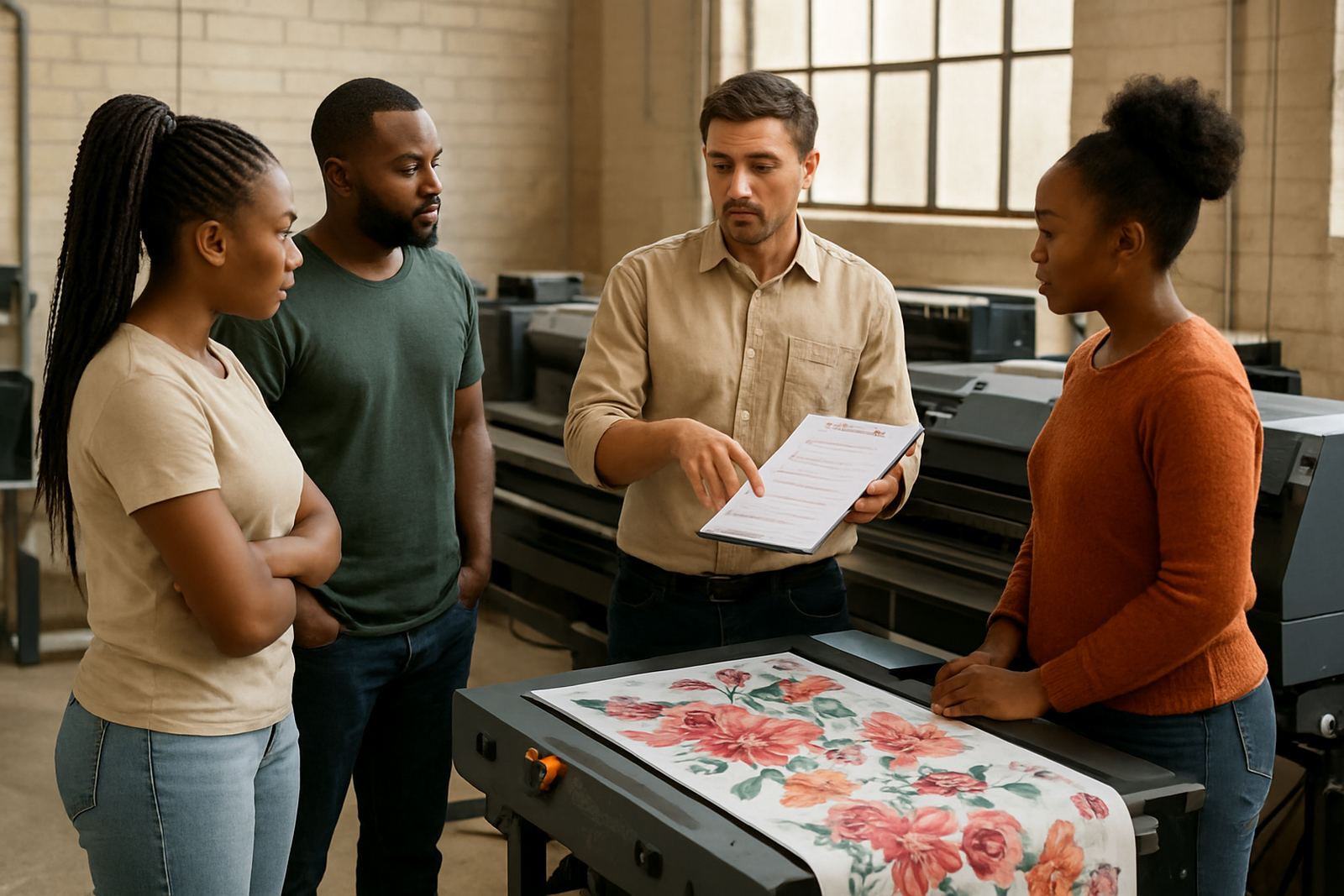
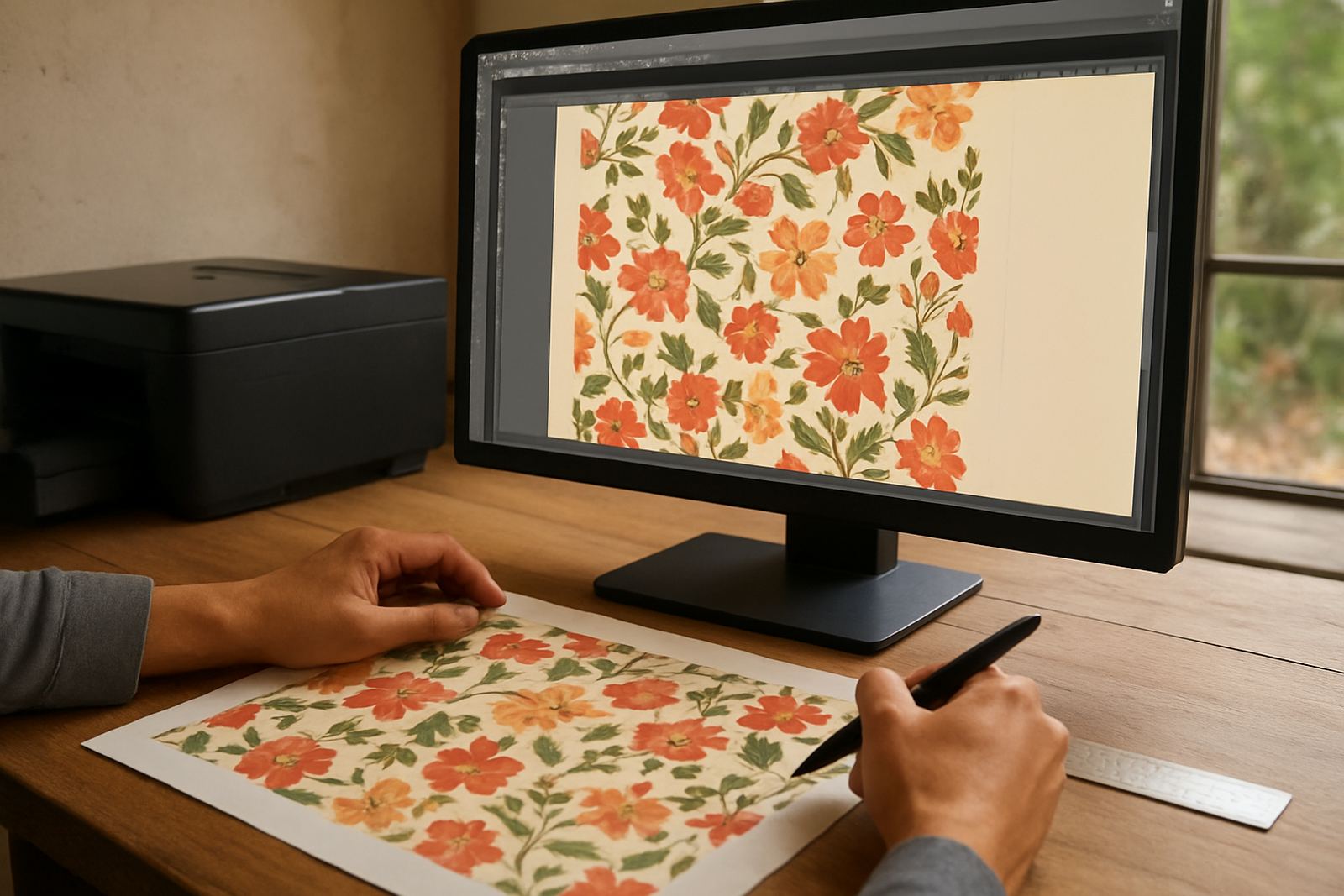
A small clothing business in Germiston came in with a floral fabric design for summer dresses. The first file was a low-resolution image taken from a social post, and the repeat did not line up at the seam. After checking the final garment size, rebuilding the repeat and confirming the colour on the actual cloth, the team produced a proper sample before the full run.
The result was cleaner print detail, better colour control and no wasted roll. The client also had a file that could be reused for future seasons without starting again. That is the real value of preparing artwork properly: fewer surprises, fewer reprints and a smoother path from idea to finished fabric.
For South African businesses working across Johannesburg, Pretoria, Durban, Cape Town and Bloemfontein, good artwork preparation is not extra admin. It is part of the production job. When the file is ready, the print follows the plan instead of the other way around.