
Start With The Pattern Before You Touch The Machine
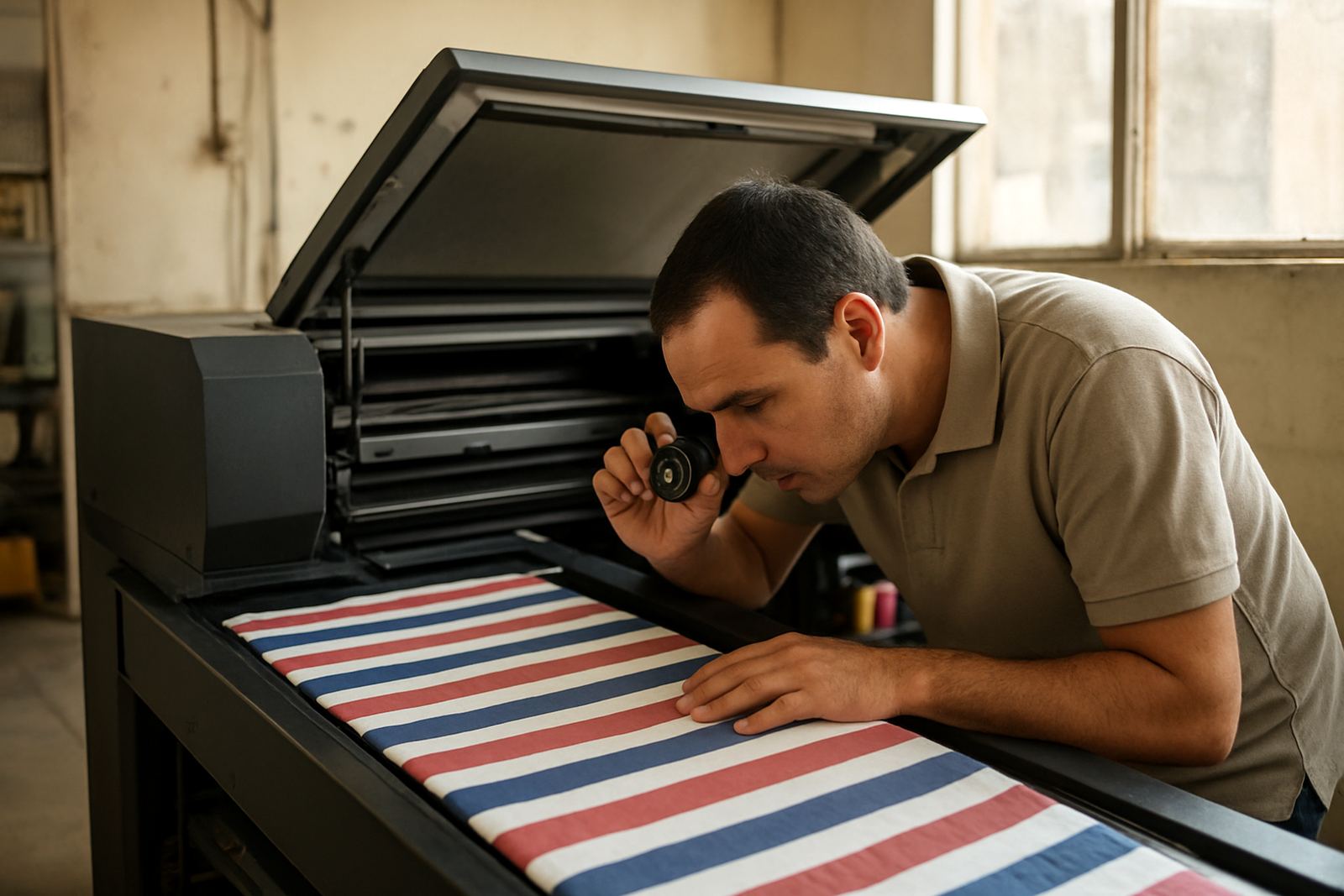
Banding usually shows up as repeated light or dark lines, often running across the print in the same direction. Before changing settings, look closely at where the marks appear. If the lines repeat at fixed intervals, you may be dealing with a feed issue. If they appear in one colour only, it often points to a head, ink or profiling problem. If they get worse near the edge of the roll, the fabric may not be feeding straight.
In many Germiston and Johannesburg workshops, the first mistake is assuming the printer is the only issue. The fabric itself can carry lint, stretch marks or humidity from storage. In Durban, coastal moisture can soften some textiles and cause uneven advance through the machine, while a dry Cape Town winter may leave static on certain synthetic media. Check the roll, the room and the machine together, not one by one.
- Note whether the banding runs across the width or along the length of the print.
- Check if it appears on all colours or only a single channel.
- Compare the first metre of the job with the middle and the end.
Check Feed Tension, Platen Contact And Fabric Tracking
One of the most common causes of banding on textile work is inconsistent media feed. If the fabric is moving in small steps instead of a steady advance, the printer lays ink in slightly different positions and the eye reads it as stripes. This can happen when the roll is too tight, too loose or drifting off centre.
Do a short test print and watch the entry path. Look for skew, wrinkling or flutter at the edges. On wider jobs, even a few millimetres of drift can show up clearly on solid fills. If you print for small fashion labels in Pretoria or Bloemfontein, keep note of which fabrics need extra guidance through the machine. Lightweight knits and some coated textiles can behave very differently, so set the tension for the actual substrate, not the last job.
- Make sure the roll is seated square on the holder.
- Check guides, pinch rollers and edge sensors for dirt or misalignment.
- Look for slack caused by a floor slope or uneven stand position.
Clean The Print System Before You Change Profiles
Blocked nozzles and weak firing can produce horizontal banding, especially on large areas of solid colour. A quick clean may help, but repeated cleaning without checking the ink path can waste material and make the problem worse. If a head is dropping nozzles on one pass and recovering on the next, the issue may be more than simple clogging.
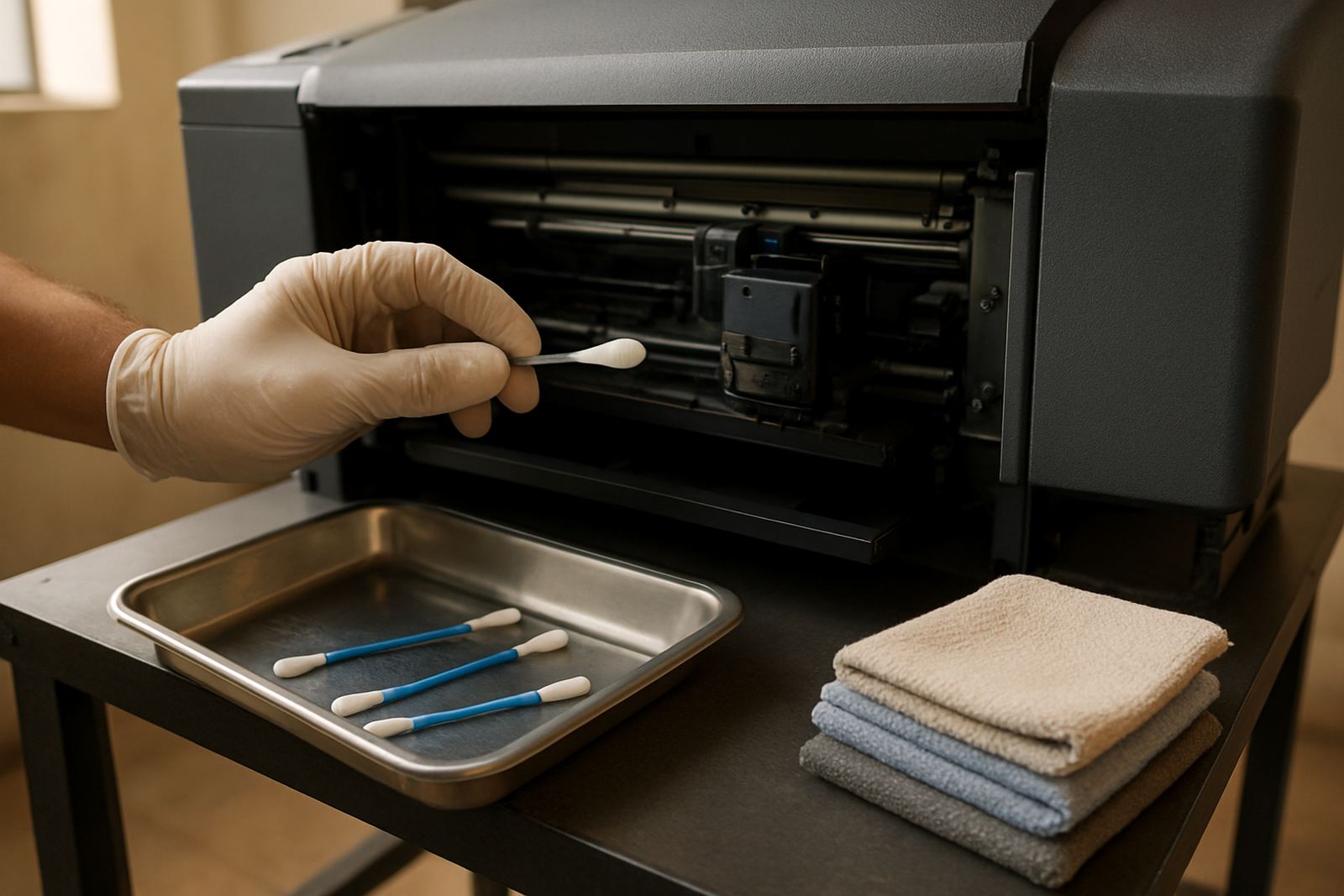
Inspect the caps, wipers and capping station for dried ink. Look at the dampers, lines and filters too, because a restriction anywhere in the ink system can starve a channel. For workshops running through load-shedding periods, power interruptions can leave printers parked mid-cycle or cause ink to settle unevenly. After a shutdown, verify that every line is primed properly before you start production again. If not, you may chase the same banding all week.
- Run a nozzle check before every serious production run.
- Clean the head area gently, then recheck rather than flooding it with fluid.
- Replace worn wipers, caps and filters before they cause repeat faults.
Use The Right Heat And Drying For The Fabric
Banding can also come from the finishing stage, not only the print stage. If ink is not being cured or dried evenly, areas of the print may look darker, hazier or slightly striped after fixing. This is common when the heat press pressure is uneven, or when the fabric cools too quickly after heat setting.
For small garment and textile businesses, a heat press that runs too hot can flatten the hand feel and make some areas glossy while others stay matt. Too little heat can leave the ink sitting on top and more likely to mark during handling. Check the full platen surface, not just the centre. If the press has hot spots, they often show up as repeat marks on the same section of the print. A simple thermal test can save a lot of rework.
- Confirm temperature across the platen, not only at the control panel.
- Use the same dwell time for each batch of fabric.
- Let the textile cool flat, especially on stretchy or coated materials.
Match The Profile To The Material, Not The Other Way Round
A profile that works on one fabric may band on another. The ink load, pass count and drying behaviour all change with the weave, coating and fibre content. If you are switching between cotton, polycotton and synthetic textiles, the machine may need a different setup for each one. Even small changes in material from one supplier to the next can affect laydown and colour density.
When banding shows up after a media change, go back to the basics and print a calibrated test strip. Check solid fills, gradients and skin tones if you print apparel panels or sample swatches. In some cases, lowering speed and increasing pass count gives a cleaner result than trying to push volume through the machine. That trade-off matters when you are working from Wadeville to Midrand and trying to keep turnaround times realistic. Better to slow one job than scrap three metres of fabric.