Start With Your Real Monthly Output
The first question is simple: how much printing do you need to do in a normal month, and how much do you need to do when orders spike? A small boutique in Johannesburg making 30 to 50 custom garments a week does not need the same setup as a team in Germiston printing runs for retail, promotions or sportswear. If you buy too small, you will hit delays. If you buy too large, you pay for speed and capacity you may not use every day.
Work backwards from your production target. Count how many metres of fabric you need per week, how many colour changes you make and whether you need short runs or repeat orders. That gives you a better idea of the print speed, media width and ink usage you should be looking at. For some businesses the real question is not "what is the biggest machine?" but "what machine will pay for itself without sitting idle?"
- Daily output target in metres
- Average design size and repeat length
- Number of colourways per order
- Staff available to run print and finishing
Match the Printer to Your Fabric Mix
Different fabrics behave differently, especially in South African conditions where heat, dust and coastal humidity can change how material feeds through a machine. A printer that performs well on one fabric type may need more care on another. Ask what fabrics you will print most often, for example polyester, blends or natural fibres, and check how the printer handles each one.
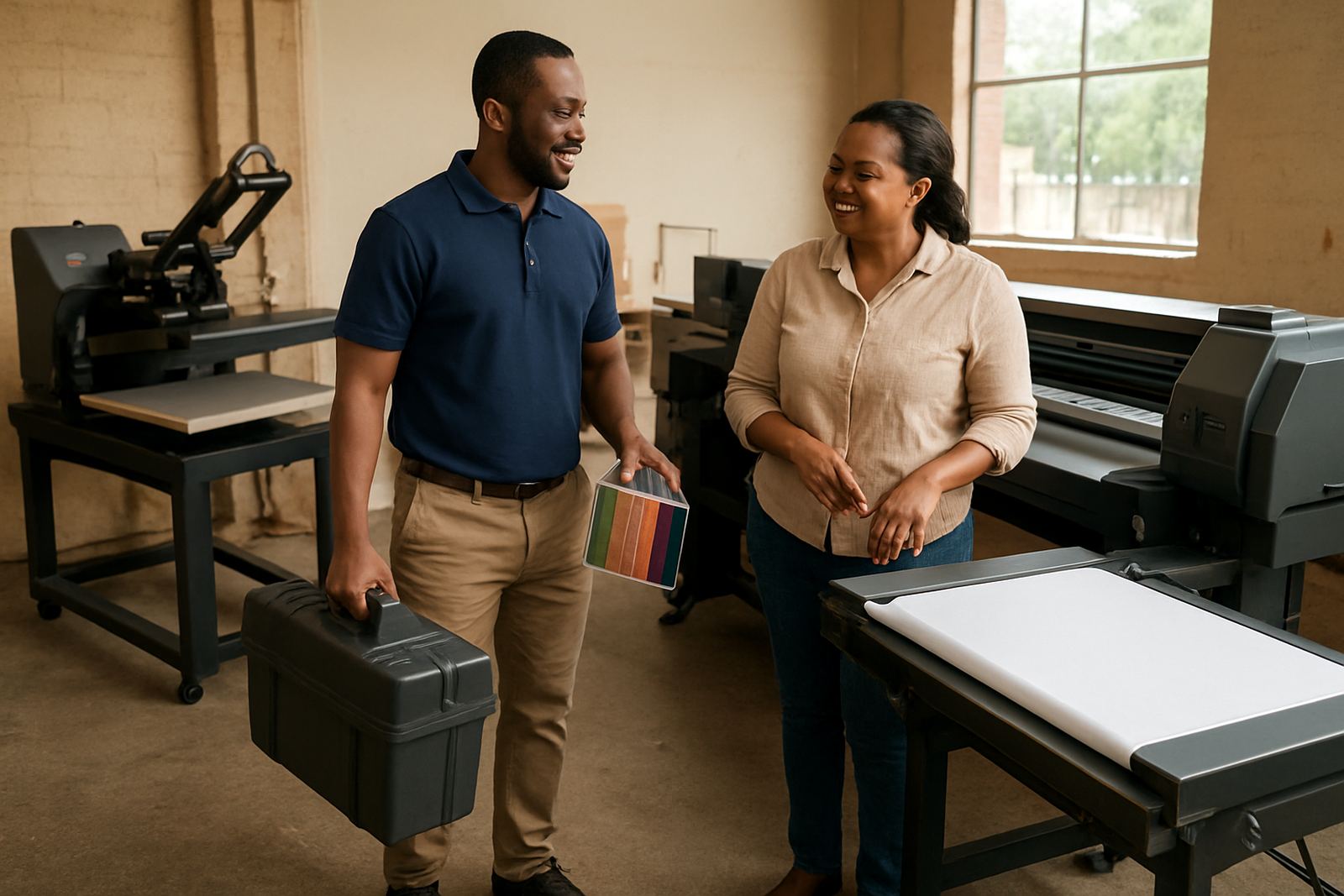
If you work with apparel for summer promotions, sports tops or branded garments, you may want a setup that gives sharp text and clean blocks of colour on lighter material. If you print décor fabrics or fashion pieces, then detail, repeat accuracy and colour consistency matter more. A good supplier should help you test fabric samples, not just talk about specs. That test can save you from expensive mistakes later on. It is worth bringing your own rolls if you can.
- Confirm which fabrics the machine handles best
- Ask how it performs in warm and humid spaces
- Check colour results on your own sample fabric
- Find out what pre-treatment or finishing is needed
Check Your Space, Power and Working Conditions
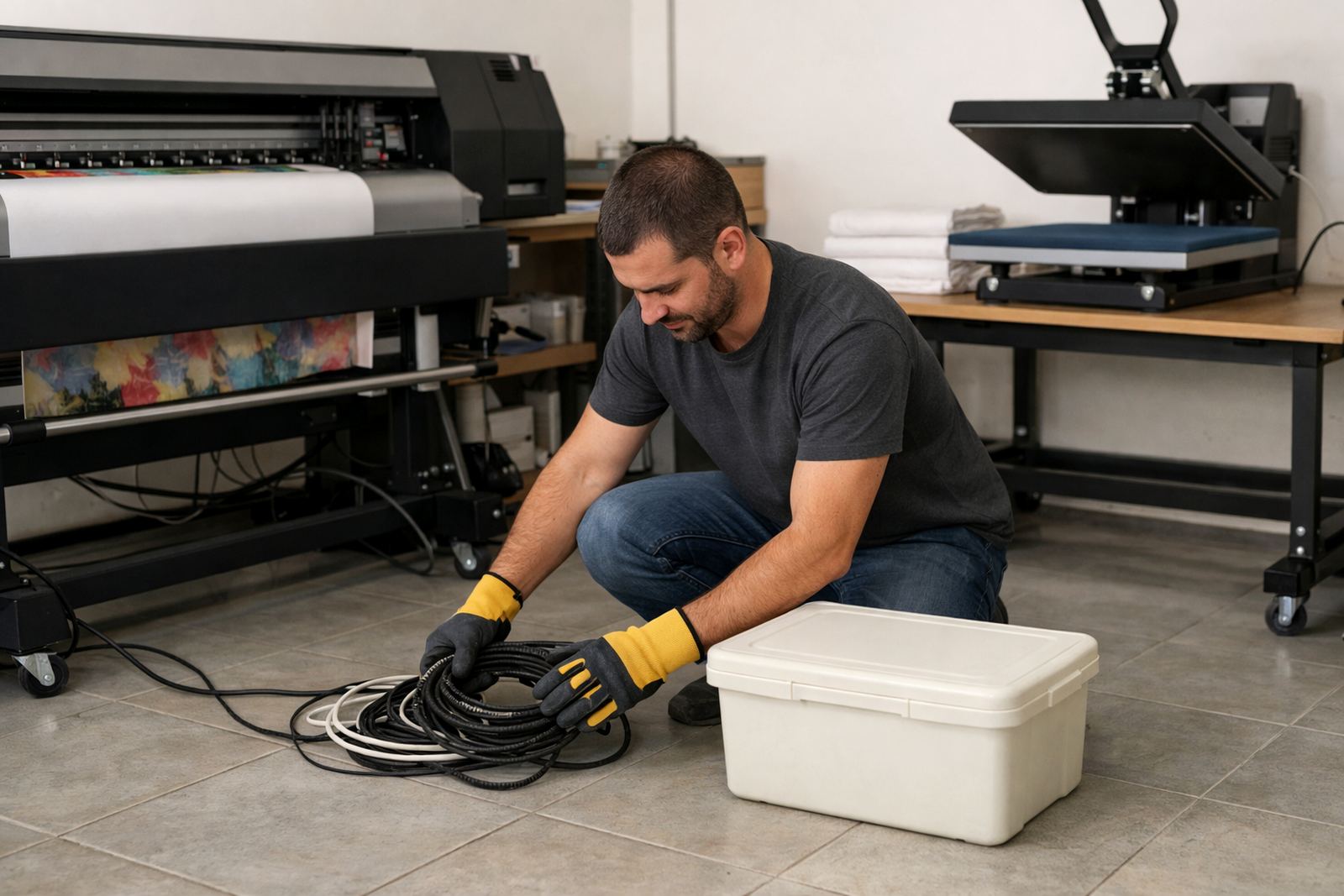
Many small businesses underestimate the practical side of installation. Measure the room properly, including door widths, aisle space and where rolls, inks and finished work will go. A printer may fit on paper, but if your team cannot load media comfortably or move around the unit, production becomes slow. In Wadeville and other industrial areas, this matters even more because shared work areas often need clear storage and safe walkways.
Power supply is another point to check early. If your area has load-shedding, you need to know how the printer, heat press and any supporting equipment will behave after interruptions. Ask about restart steps, shutdown habits and whether the machine needs stable voltage. In some shops a backup plan is enough. In others, a small power solution and proper operating routine make all the difference. A bit of planning here can prevent a lot of downtime.
- Measure floor space and access routes
- Plan for ink storage and finished rolls
- Check power needs and load-shedding impact
- Leave room for safe operator movement
Look Beyond the Machine Price
The sticker price is only one part of the cost. You also need to consider inks, media, routine servicing, spare parts and the time it takes to train operators. A machine that looks affordable on day one can become expensive if it wastes ink or needs repeated callouts. On the other hand, a more suitable machine can keep your running cost steady and make pricing easier for your customers.
For small businesses, cash flow matters. If you are quoting for a school event in Pretoria or a boutique order in Cape Town, you need to know your real cost per metre before you accept the job. That means factoring in print time, setup time and finishing. It also means asking about servicing intervals and whether replacement parts are easy to get in South Africa. A busy workshop cannot wait weeks for a simple part.
- Ink cost per job or per metre
- Maintenance and service intervals
- Availability of spare parts locally
- Training time for new operators
Ask What Support Looks Like After Delivery
Support is not a nice extra, it is part of the buying decision. When a printer is used daily, you need help with installation, colour setup, operator training and quick troubleshooting. A supplier that knows the South African market should be able to help remotely, visit when needed and give clear guidance on routine care. That matters whether you are in Germiston, Durban or Bloemfontein.
Look for practical support around the work you actually do: colour profiling for better repeat results, printhead cleaning when ink quality drops, ink system flushing during long shut down periods and maintenance contracts for planned servicing. If your team is new to digital textile printing, training should cover more than the buttons on the machine. It should show how to keep production steady and how to avoid simple errors that waste fabric and ink. One missed setting can ruin a whole roll.
Use a Simple Comparison List Before You Buy
Before you make a decision, compare each option using the same checklist. This keeps the discussion practical and helps you weigh output against budget and space. It also makes it easier to choose a printer that fits your current orders and still gives you room to grow. A machine should solve today's workload, not create new problems.
- Print speed versus your weekly order volume
- Fabric types you will print most often
- Room size and access for installation
- Power stability and backup needs
- Ink and running cost per job
- Training, servicing and after-sales support
A local example makes this clearer. A small fashion studio in Midrand that prints short runs for markets and online sales may value compact size, easy setup and lower entry cost. A larger garment shop in Johannesburg servicing repeat client orders may need faster turnaround and stronger support for production consistency. The best machine is the one that matches your mix of work, not the one with the biggest headline specification. If you get that balance right, the printer becomes part of the business instead of a bottleneck.