
Start With the Same Fabric Every Time
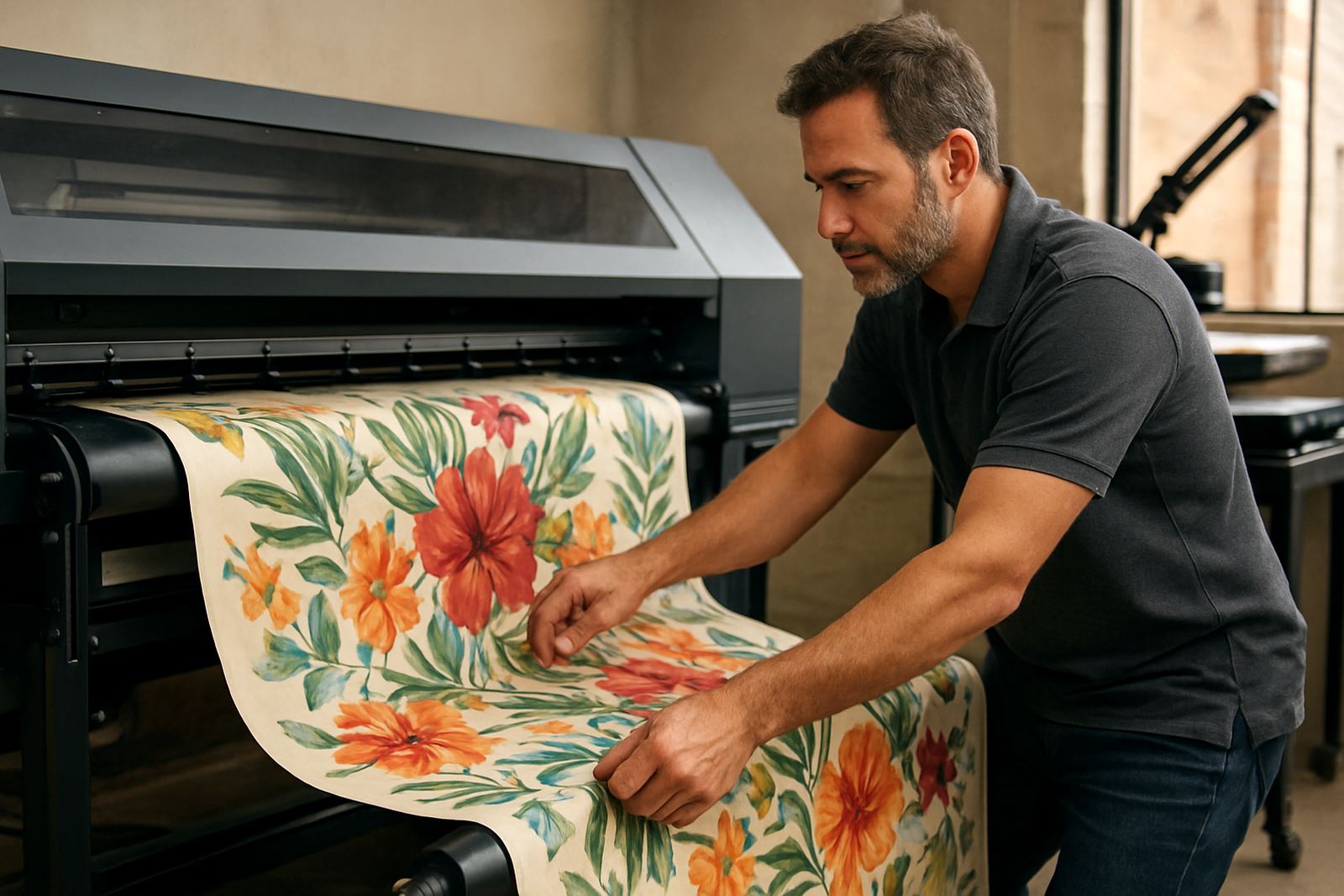
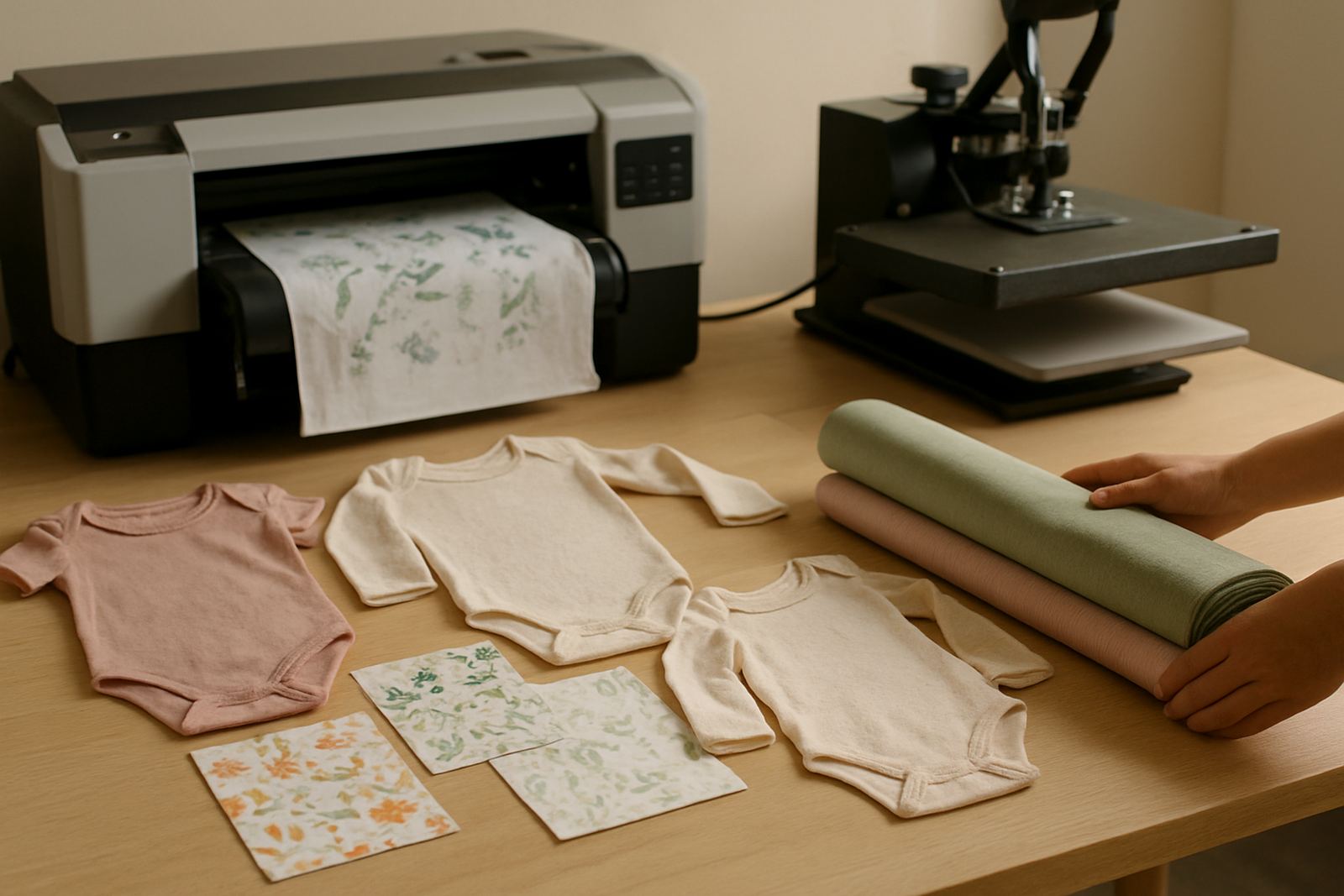
If you want repeatable colour, begin with repeatable fabric. A 100 percent cotton knit, a polycotton twill and a brushed polyester panel will all take ink differently, even before you change the design. Keep a written record of the fabric type, supplier, width, weight and finish for every job. That record matters when a customer reorders six weeks later and expects the same navy, the same red, the same black.
In Wadeville and other industrial areas around Germiston, many small garment workshops buy fabric in mixed batches to manage cash flow. That is normal, but it means the print team must test each new roll before production. A short strike off on the actual fabric can save a full day of rework.
Build a Colour Reference Sheet for Every Core Design
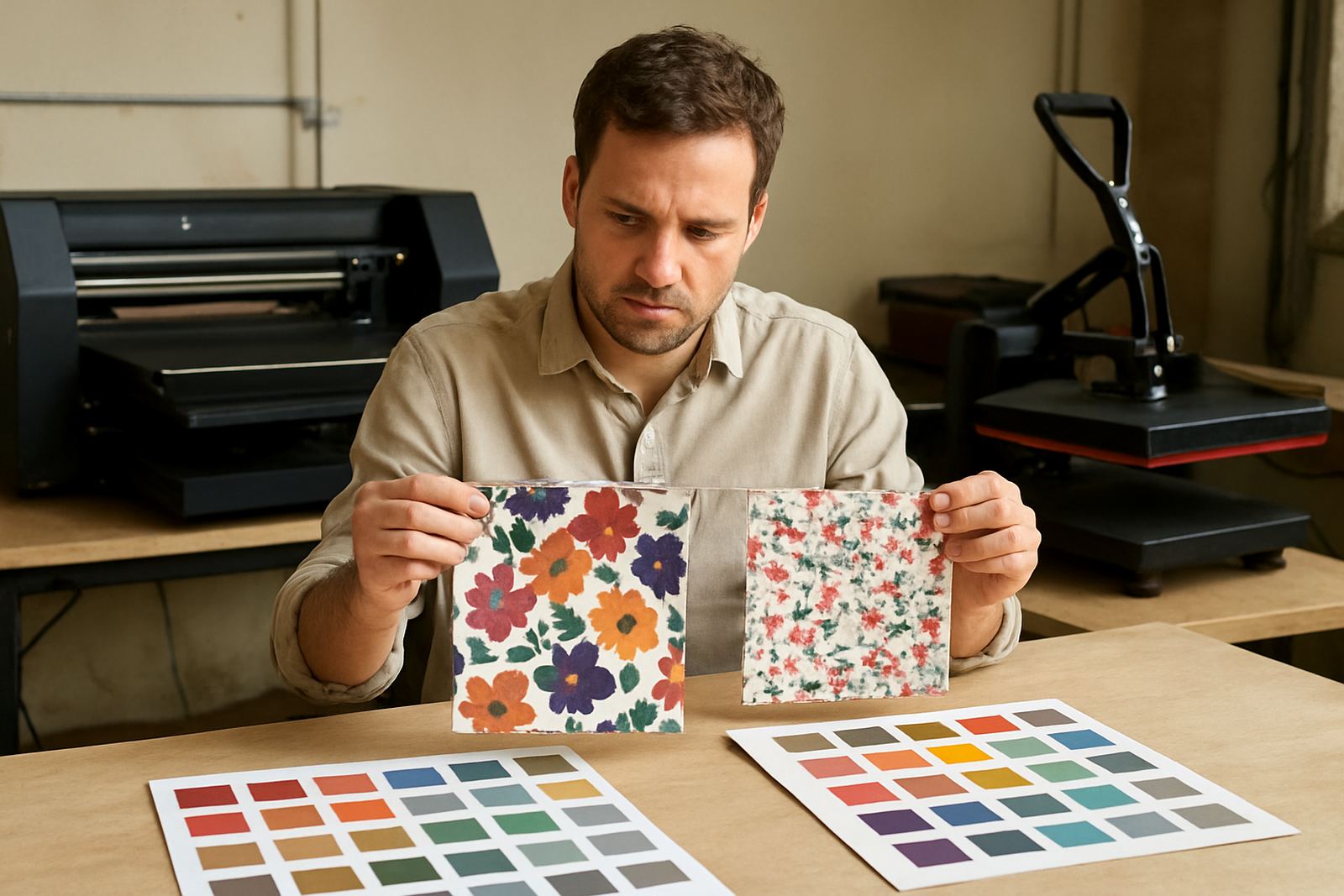
Do not rely on memory when matching colours. Create a simple reference sheet for each repeat design with the approved file name, fabric type, print settings and the final cured result. Keep a physical sample and a digital photo taken in neutral daylight, not under a warm shop light. If the customer asks for a reprint, compare against that sample before you touch the artwork.
Use a basic checklist before every repeat order:
- Confirm the fabric batch and supplier.
- Open the saved artwork file, not a new version from WhatsApp.
- Check the ink set, nozzle condition and print mode.
- Use the same curing time and heat press pressure.
- Store the approved sample with the order notes.
Control Heat, Humidity and Drying Time
Heat and moisture affect how ink sits on fabric. In coastal areas like Durban, higher humidity can slow drying and change the final colour a little. In winter in Johannesburg or Pretoria, dry air and overnight temperature swings can also shift results if the print area is not steady. Keep the production room as consistent as you can, especially when load-shedding means heaters and extractors may stop and start.
Do a test print at the start of every shift. Check the same colour patch after drying and after curing, because some shades look fine when wet but move once heat is applied. If the room conditions change a lot from morning to afternoon, note it on the job card. That note helps you spot patterns instead of guessing later.
Keep the Printer Clean and the Ink Path Stable
A clean machine gives you more repeatable colour than any correction at the end. Dirty heads, air in the ink line and clogged nozzles can make one side of a print look duller than the other. Preventive servicing should not wait until a customer complains. Regular nozzle checks, head cleaning and ink system flushing keep the output even.
If a machine has been idle over a long weekend or a power interruption, run a short maintenance routine before production starts. On some jobs it only takes a small blockage to shift a skin tone or a corporate blue enough to cause a reprint.
- Inspect the nozzles before long runs.
- Flush the ink system when changing ink types.
- Replace worn parts before they fail in production.
- Keep spare media and ink sealed in a cool, dry place.
Use the Same Finishing Settings on Every Batch
Colour mismatch is not always a printing problem. Heat pressing, drying, curing and stacking can change the look of the finished garment. If one operator presses at a different temperature or for a few seconds longer, the same design may come out slightly darker or flatter. That is why training matters as much as machine settings.
Set one standard process for your team and stick to it. Record the press temperature, pressure and dwell time, then use the same method for repeats. If you are printing T shirts for a school event in Boksburg and then doing a boutique run in Midrand, the process should stay the same unless the fabric changes. That kind of discipline saves material and keeps customers confident.
Match by Sample, Not by Guesswork
When a customer wants a match to a previous order, ask for a physical sample if possible. Screens, phone photos and old artwork files can all be misleading. A faded sample shirt is still useful because it shows what the customer has in hand, not what they think they ordered. Compare the sample under natural light and then test on the same fabric before production starts.
If the order is urgent, make time for a quick production audit first. A short review of the artwork, fabric and machine status can prevent a batch of near-matches. In small South African workshops, that approach is often cheaper than remaking twenty metres after delivery.
Set a Repeatable Workflow for Every Reorder
The easiest way to avoid colour mismatch is to treat every repeat order like a controlled process. Save the fabric details, file name, machine settings and approved sample together. Train one person to sign off the first print before the rest of the batch runs. That simple step catches drift early, before it spreads through the order.
For small garment and textile businesses in Johannesburg, Pretoria, Durban, Cape Town and Bloemfontein, consistency is usually won through routine, not guesswork. A steady workflow gives you better colour repeatability, fewer refunds and less waste. It also makes it easier to grow without losing control of quality.