
Start of Day Checks Before the First Print
Before switching into production, walk around the printer and press area and look for anything out of place. Check that the room is clean and dry, with enough ventilation and no loose fabric dust near open ink lines or moving parts. In Germiston and other inland areas, dust builds up fast, while coastal humidity can affect media and storage so keep everything covered when not in use.
Switch on the machine and confirm the power supply is stable. If your area has load-shedding or voltage dips, use the correct protection and allow the machine to boot fully before starting any job. A rushed start often leads to missed nozzles, head strikes or poor colour on the first run.
- Check ink levels and top up only with the correct ink type.
- Inspect the print carriage path for scraps, pins or dried ink.
- Make sure the fabric or media is aligned and feeding straight.
- Run the machine's normal startup test and inspect the pattern.
Daily Cleaning That Prevents Small Problems
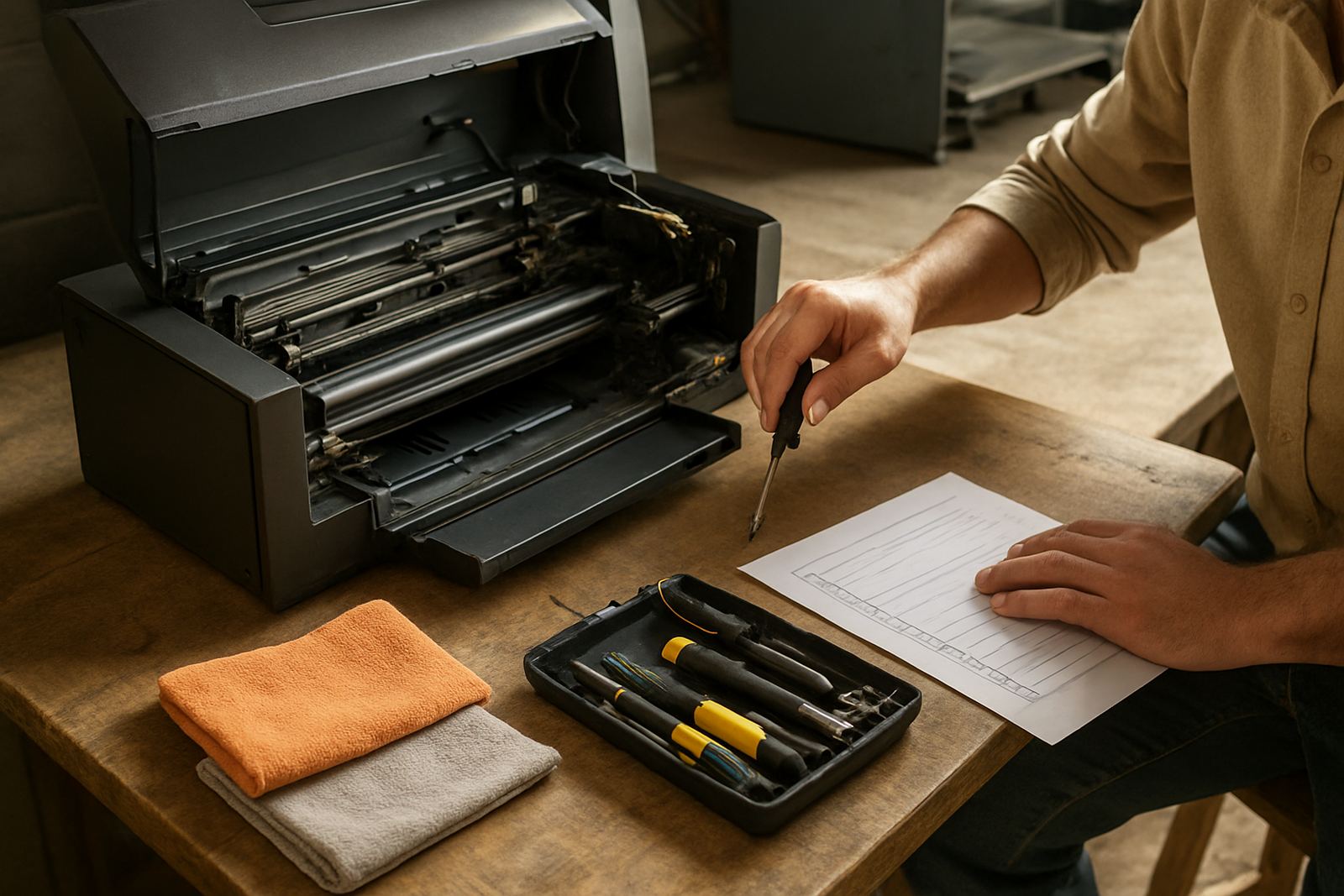
Daily cleaning does not need to take long, but it must be done properly. Wipe down external surfaces, remove lint from the print table and clean any overspray from areas around the machine. Do not use rough cloths or strong solvents that can damage covers, sensors or belts.
Keep the capping area, wipers and surrounding surfaces free of dried ink. If you leave small ink deposits there overnight, they harden and can cause nozzle dropouts the next morning. On heat presses, clean the upper platen and lower bed so there is no adhesive, fibre buildup or transfer residue left behind.
- Use a lint-free cloth and approved cleaning fluid only.
- Empty waste trays before they overflow.
- Check that cables and hoses are not rubbing against moving parts.
- Close ink containers tightly after use to reduce contamination.
Weekly Checks for Print Quality and Ink Flow
Once a week, set aside time for a more careful inspection. Print a nozzle check and compare it with the sample you normally accept in production. If lines are broken or colours are missing, deal with it straight away rather than waiting for the machine to fail later in the week.
Check that ink lines are free of air bubbles and that cartridges, dampers or tanks are seated correctly. Look at rollers, pinch wheels and feed paths for wear. If your workshop handles a lot of short runs or mixed fabrics, keep a record of what was printed and note any repeated colour shift, banding or feed marks.
- Inspect belts, rollers and guides for wear or slack.
- Confirm the platen or bed is level and clean.
- Check temperature and pressure settings on heat presses.
- Review the first sample from each shift for repeat defects.
Monthly Servicing Tasks Worth Scheduling
Monthly upkeep should cover the parts that are often ignored during the rush of daily production. This is the time to review filters, pump performance, waste ink handling and overall alignment. If your business is printing for boutiques, sportswear or promotional work, even a small drift in registration can lead to rejected stock and wasted fabric.
Look for noise changes, slower carriage movement or uneven heating. These are early signs that something needs attention. It is also a good time to check the condition of spare parts on hand, especially items that wear out in normal use. In smaller workshops around Pretoria, Durban or Bloemfontein, one failed component can stop the whole line for a day if there is no backup part available.
Keep a simple service log with dates, findings and action taken. That record helps with maintenance planning and makes it easier to spot repeat faults before they grow into costly breakdowns.
Heat Press Care for Safer, More Even Transfers
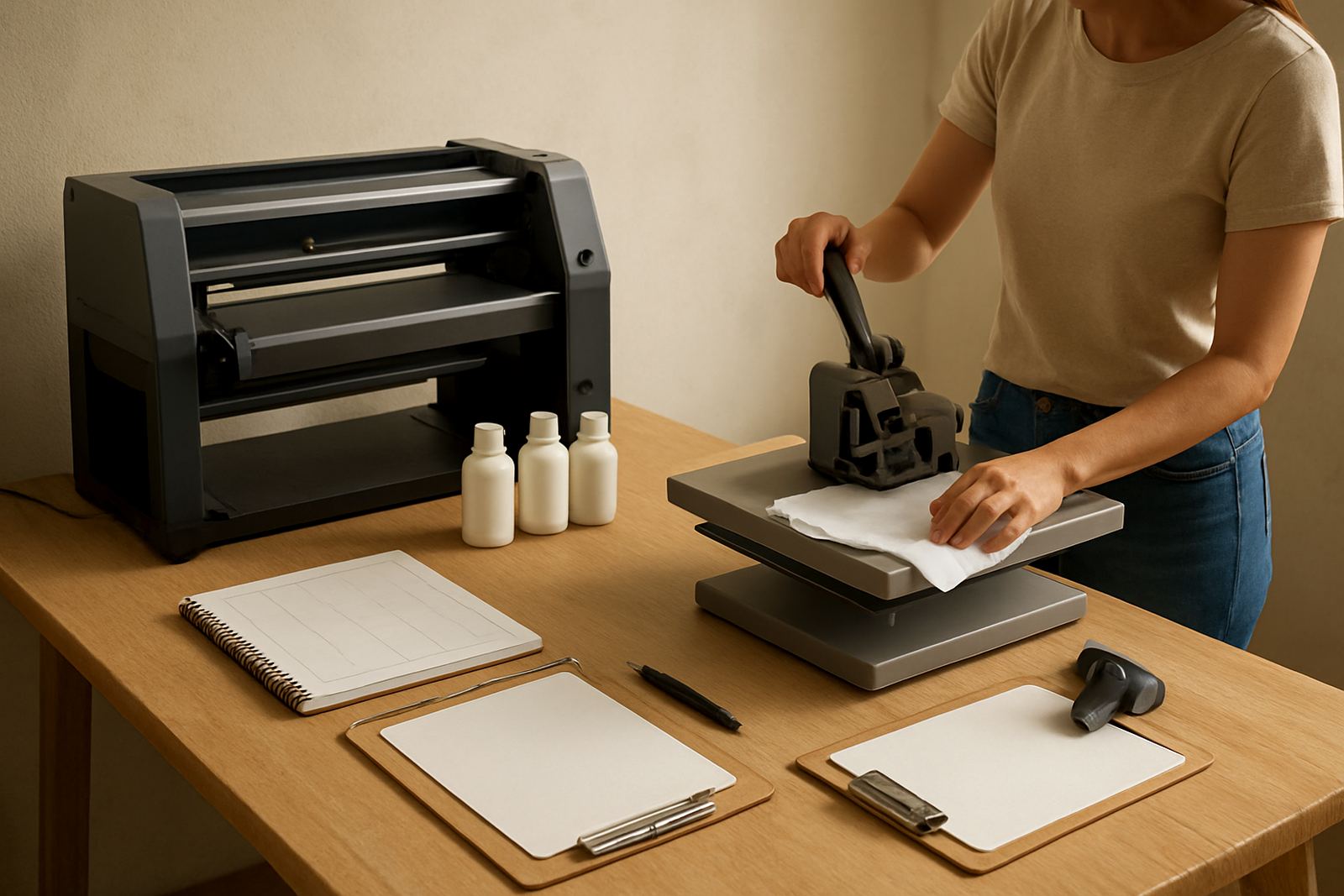
Heat presses need regular attention because temperature and pressure affect the final result. Clean the platens after every shift if adhesive, powder or transfer film residue is present. A dirty press can mark the fabric, reduce bond strength and create uneven finish on cotton, polycotton and coated materials.
Check the heat setting against the normal range used in your process and verify that the pressure is even across the bed. If one side closes tighter than the other, you may get patchy transfer results. Keep the machine on a stable surface and allow space around it so staff can work safely without bumping the handles or locking mechanisms.
- Inspect the silicone pad or lower bed for damage.
- Check the timer and temperature display for consistency.
- Keep fingers clear when closing and opening the press.
- Allow cooling time before stacking finished garments.
When to Stop and Call for Service
Some issues can wait for the next maintenance slot, but others need immediate attention. Stop production if the printhead is striking fabric, the machine is leaking ink, the heater is overheating or a motor sound changes suddenly. Continued use can turn a manageable fault into a major repair.
If you are flushing the ink system, cleaning printheads or moving the machine to another room in Wadeville, Boksburg, Midrand or beyond, follow the correct process and do not improvise. Poor handling often causes blocked lines, alignment problems or damage during reinstallation. If you are unsure, ask for remote troubleshooting first and only proceed when the machine is safe to run.
A good rule is simple: if the fault affects print quality, safety or the electrical supply, stop and sort it out before the next job. That approach saves material, time and a lot of frustration.