Start With What You Will Print Each Week
Before you compare machines, write down what you will actually produce in a normal week. A small boutique in Germiston printing sample runs will need a different setup from a shop in Durban doing repeat orders for schoolwear, sportswear or home décor. Think in metres, not just in designs. That gives you a proper idea of speed, ink use and how much fabric you can move through the machine without falling behind.
It also helps to separate test work from paid work. If you need to print 20 metres a week but expect seasonal peaks of 80 metres, your machine must handle the busy weeks without constant stoppages. The best purchase is the one that matches your real workload, not the biggest model on paper.
- List your main products: T-shirts, fashion cuts, labels, scarves, flags or soft signage
- Estimate weekly metres at normal trading levels and busy periods
- Note the smallest and largest fabric widths you use
- Record how many colour changes or design repeats you do in a day
Measure Space, Power and Day-to-Day Movement
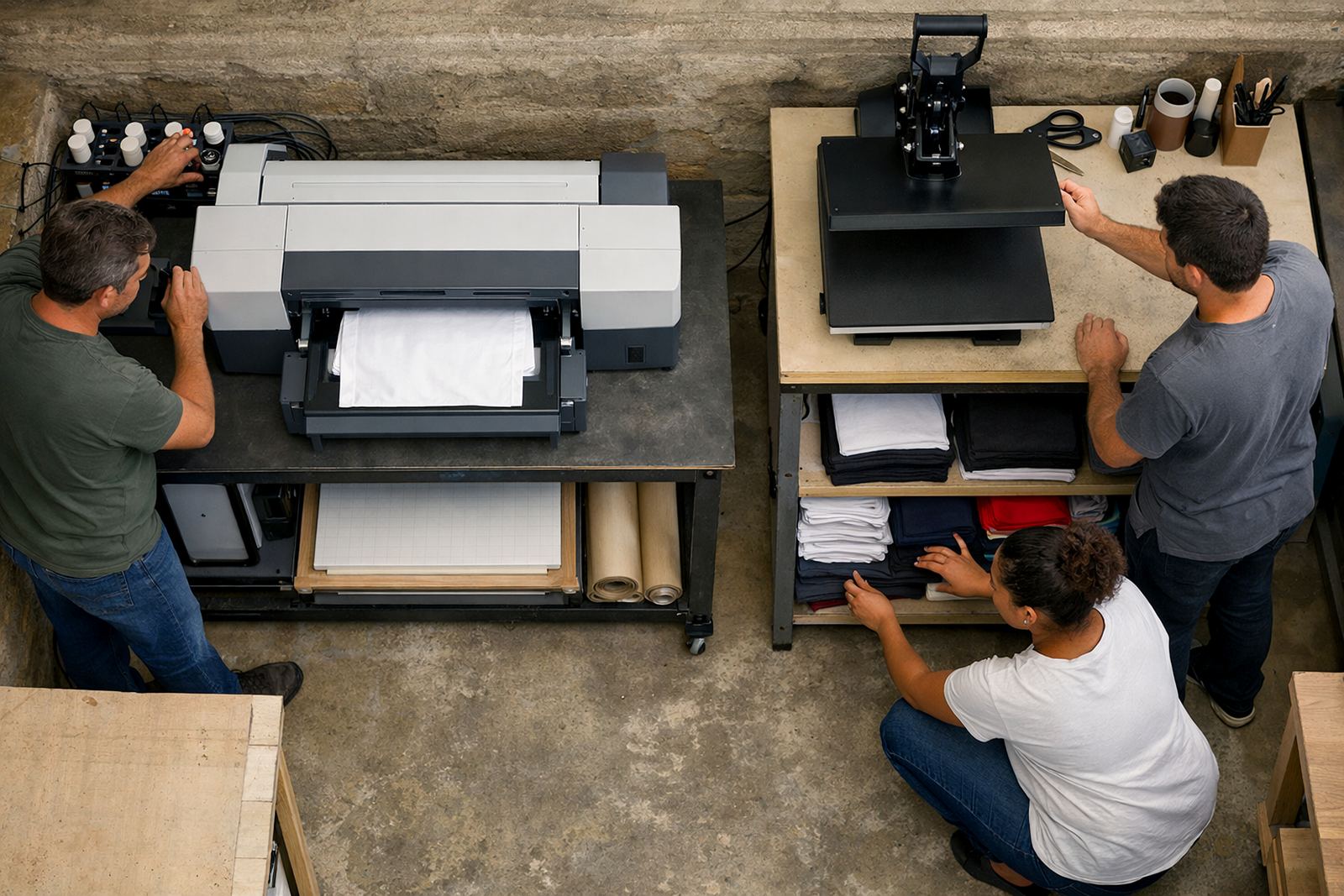
Do not buy on print speed alone. Measure the room where the machine will stand, the width of the doorway and how much space you need to load rolls, clean heads and move finished work. A printer that fits on paper can become a problem if there is no room to service it or stack output safely. In tighter work areas, compact layouts matter just as much as print quality.
Check your power supply too. Many small businesses in Johannesburg, Pretoria and Cape Town deal with load-shedding, so you need to know whether your machine can restart cleanly after power cuts and whether you have backup power for the computer and any curing or heat pressing equipment. Humidity also matters near the coast. In Durban, inks and fabric should be stored carefully so they do not absorb moisture or pick up dust.
- Measure floor space, access points and safe working clearance
- Check power stability, backup options and surge protection
- Allow for drying, pressing and packing space next to the printer
- Keep ink and media storage in a clean dry area
Compare Print Quality Against the Jobs You Sell
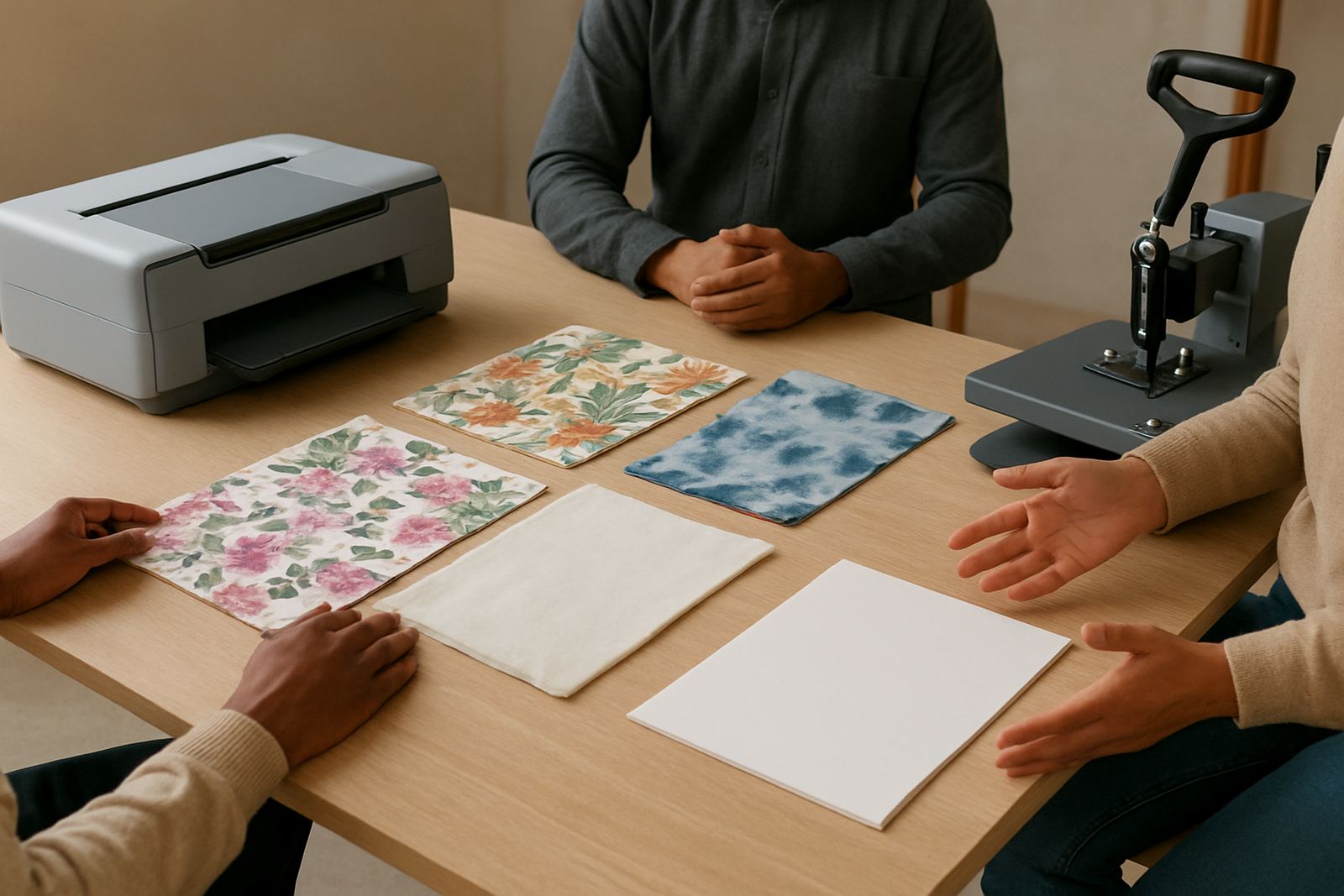
Fine detail, solid colour blocks and repeat accuracy are not the same thing. A business doing fashion prints needs crisp lines and good colour control. A business printing promotional fabric may care more about speed and dependable repeat output. Ask to see sample prints on the fabrics you use, not just on plain sample media. Cotton, polycotton and polyester can all behave differently and the results can shift a lot.
Look closely at colour depth, edge sharpness and how the print sits on the cloth after washing or pressing. If you sell to designers or boutiques, your clients will notice small colour shifts quickly. Good output is not only about the machine, it is about the right ink, the right profile and proper operator handling. That is where training matters. A machine that is simple to learn can still produce poor work if colour setup is skipped.
- Ask for samples on your own fabric types
- Check wash behaviour and colour hold after pressing
- Compare fine detail, block colour and repeat alignment
- Make sure the supplier can help with colour profiling
Work Out the True Running Cost, Not Just the Purchase Price
The sticker price is only part of the story. You also need to budget for inks, media, cleaning fluids, spare parts and routine servicing. Some buyers focus on the machine price and only later realise that the daily running cost is too high for their margins. That can squeeze profit on small orders and make rush jobs unprofitable.
Ask how much ink the machine uses in normal production and how often consumable parts may need attention. If your output is irregular, a machine that is cheap to buy but expensive to maintain can become a burden. It is better to understand the total monthly cost before you commit. For small operations, even a few hundred Rand difference per week can change the viability of a line.
Also ask about set-up training and what happens after installation. Clear guidance at the start can prevent wasted fabric, blocked lines and unnecessary downtime. A proper handover is worth far more than a quick drop-off.
Choose Support That Can Keep You Printing
Support is one of the most important parts of the buying decision. If a printer stops in peak season, you need a supplier that can help with remote troubleshooting, repairs and spare parts without long delays. For businesses in Germiston, Boksburg and Midrand, quick access to service can keep orders moving. For customers further out, reliable remote support becomes even more important.
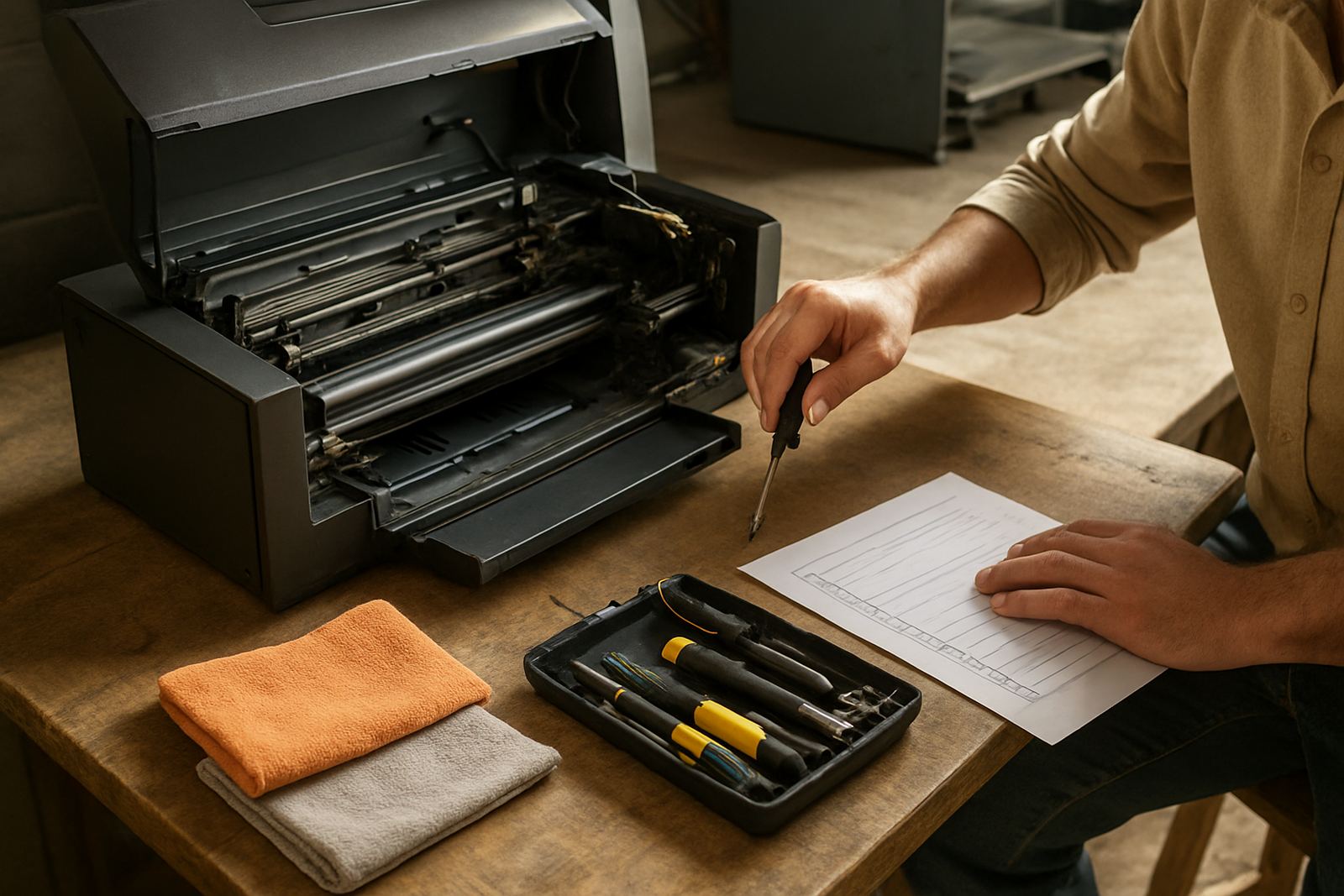
When you compare suppliers, ask who handles installation, who does operator training and who takes care of maintenance. You want a team that understands both the machine and the pressures of a small production room. Good support should include help with printhead cleaning, ink system flushing, preventive servicing and relocation support if you move premises.
- Confirm installation and training are included or available
- Check how breakdown repairs are handled
- Ask about maintenance contracts and service intervals
- Find out how spare parts are supplied when something wears out
Use a Simple Buying Checklist Before You Decide
Once you have compared output, space, power and support, put the final options side by side. This keeps the decision practical and helps you avoid buying a machine that looks good in theory but does not suit your workshop. If possible, involve the person who will run the machine every day. They will spot issues that a buyer might miss, such as awkward loading height or hard-to-reach controls.
Use this final check before you sign off on any purchase. It is a simple way to make sure the machine fits your business now and can grow with you later. If you are still unsure, ask for a production audit or a site discussion before the order goes through. That extra step can save a lot of frustration after delivery.
- Does the machine fit your current floor space and future growth?
- Can it handle your main fabric types and weekly metre targets?
- Do you understand the ink, media and maintenance costs?
- Is installation, training and after-sales support clearly defined?
- Can your business handle power interruptions and storage needs?